Professional Email Signature Guide for Assistants
Assistants send more email than most professionals. Meeting requests, schedule confirmations, travel arrangements, vendor communications, follow-ups on behalf of leadership—the inbox is constant, and every message ends with a signature.
For many external contacts, the assistant is the first point of contact with the organization. The signature tells them who they’re reaching, what this person’s role is, and how to get back in touch. Getting that right matters more when you’re the one managing communication on someone else’s behalf.
This guide covers the standard executive assistant email signature format, what to include, and examples for different assistant roles.
If you want to set one up right away, you can create your email signature in minutes.
What to Include in an Assistant Email Signature
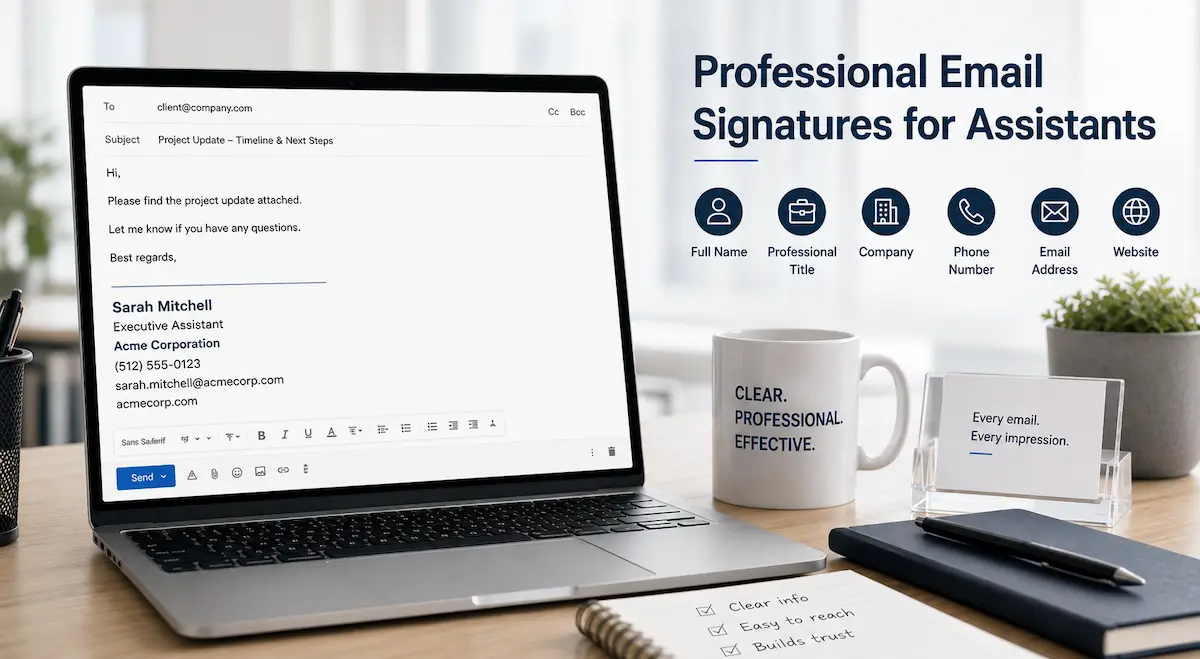
Every email signature needs six essential elements.
1. Full Name
Use your own name, not the executive’s. Even when you’re writing on someone else’s behalf, the signature identifies the sender.
2. Professional Title
Be specific. “Executive Assistant to the CEO” means something different to a recipient than “Administrative Assistant.” The title sets context for the recipient and helps explain the role you’re communicating in.
3. Company
The organization you represent. It’s often the most recognizable part of the signature, especially when recipients don’t know you personally.
4. Phone Number
Your direct line or the main office number—whichever is the right number for external contacts to reach you. Not a personal mobile unless that’s genuinely how you want to be reached for work.
5. Email Address
Your work email. It travels with forwarded messages, printed threads, and shared correspondence—putting it in the signature means it’s always accessible regardless of context.
6. Company Website
The organization’s website. A useful reference for recipients who want to learn more about the company without asking for additional information.
With your details ready, choose a tool to format them. We’ve compared 5 options in our guide to the best email signature generators for individuals and small teams.
Executive Assistant Email Signature Examples
These executive assistant email signature examples demonstrate proper formatting with all six essential fields included.
Example 1:
Sarah Mitchell
Executive Assistant
Acme Corporation
(512) 555-0123
sarah.mitchell@acmecorp.com
acmecorp.com
Why it works: Clean and direct. The title makes the role immediately clear without requiring explanation. External contacts know they’re dealing with someone who manages executive-level communication, not a general inbox.
Example 2:
James Wilson
Executive Assistant to the CEO
Northfield Group
(312) 555-4567
james.wilson@northfieldgroup.com
northfieldgroup.com
Why it works: “Executive Assistant to the CEO” tells the recipient exactly where this person sits in the organization. For vendors, clients, and external partners, that context changes how they read the message. It signals that responses should be timely and taken seriously.
Example 3:
Elena Rodriguez
Personal Assistant
Rodriguez Consulting
(617) 555-8823
elena.rodriguez@rodriguezco.com
rodriguezco.com
Why it works: Personal assistant roles vary widely—some are purely administrative, others handle a broader range of responsibilities. Keeping the title straightforward and letting the company name carry the organizational context works well here.
Example 4:
David Kim
Administrative Assistant
Kim Design Studio
(206) 555-9012
david.kim@kimdesign.co
kimdesign.co
Why it works: Administrative assistant is one of the most widely recognized titles across industries. No ambiguity about the role, no over-explanation needed.
Example 5:
Jennifer Lee
Senior Executive Assistant
Global Finance Partners
(213) 555-2341
jennifer.lee@globalfinance.com
globalfinance.com
Why it works: “Senior” reflects experience in the role and signals regular collaboration with senior stakeholders. That distinction matters when the recipient is deciding how to prioritize a response.
Example 6: (Small Business)
Amanda Chen
Executive Assistant
Chen & Partners
(718) 555-8901
amanda.chen@chenpartners.com
chenpartners.com
Why it works: Small business assistants often communicate with a wider range of contacts than their counterparts at large organizations. The signature gives recipients everything they need without implying a corporate structure that doesn’t exist.
A clean, properly formatted personal assistant email signature takes a few minutes to set up.
After reviewing these examples, you can use the same structure to build your own signature directly .
Should You Include the Executive’s Name?
This comes up often for assistants—whether to add the executive’s name somewhere in the signature.
The short answer: usually not.
The signature identifies who sent the message. If you’re Elena Rodriguez, Personal Assistant at Rodriguez Consulting, that’s what the signature says. Recipients who receive regular communication from assistants understand the dynamic without needing it spelled out.
Where it does make sense is in the job title itself. “Executive Assistant to Sarah Chen, Managing Director” tells the recipient something useful—specifically, whose schedule, correspondence, and priorities you’re managing. It signals that you work closely with the organization’s decision-maker.
What doesn’t work: listing both your name and the executive’s name as if you’re co-signing. It creates confusion about who the actual contact is. If a recipient wants to reach the CEO directly, adding the CEO’s name to your signature doesn’t help them do that. It just clutters the block.
Keep the signature in your name. If the executive’s identity is relevant, put it in the title.
How to Add Your Email Signature
Step-by-step instructions for adding your signature in Gmail are available in the our setup guide.
For Outlook users, the Outlook signature setup guide covers the full setup process.
Conclusion
An executive assistant’s email signature is simple—six fields, clean formatting, and accurate information. It’s important to get it right because it appears in more emails than almost any other signature in the organization.
The signature isn’t there to stand out. It’s there to remove friction, establish context, and make replying easy. A professional assistant email signature does exactly that every time you send an email.