TOP 5 Generators for Professional Email Signatures
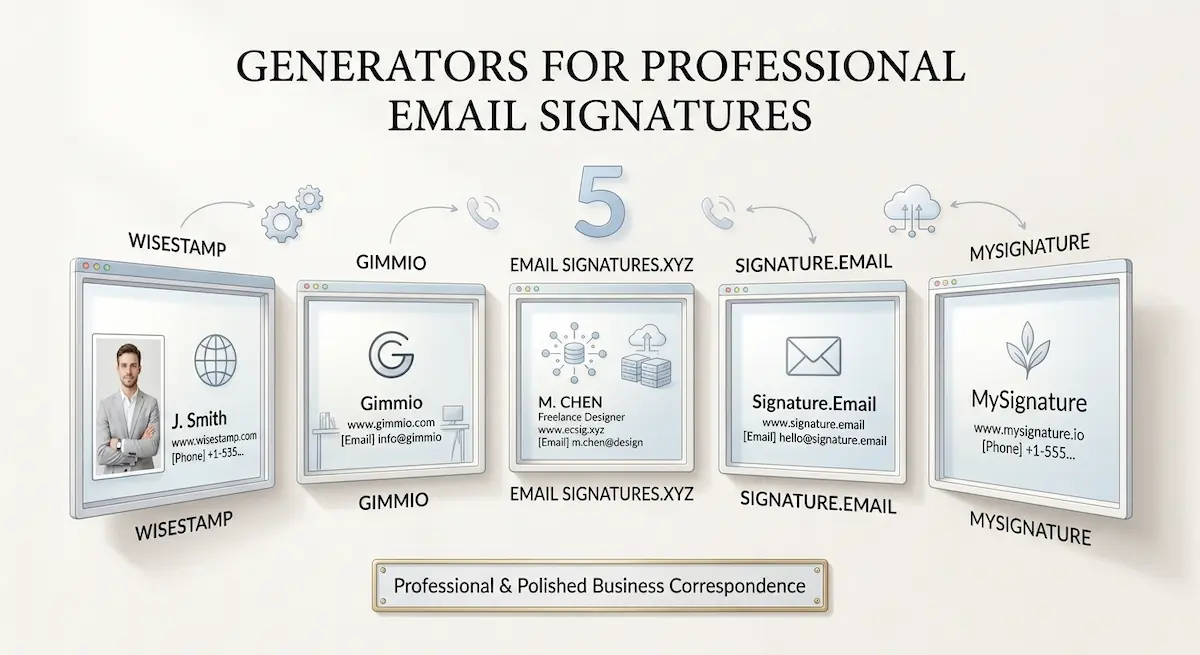
If you are a freelancer, consultant, independent professional, or small business owner, a professional email signature helps make your business correspondence look more polished and professional.
Today, there are many email signature generators available. Some focus on marketing and managing employee signatures, while others allow you to quickly create an individual signature without complex corporate features.
Below, we look at 5 of the best email signature generators worth considering in 2026. This is not a ranking from best to worst, as each service is designed for somewhat different needs and users.
EmailSignatures.xyz
EmailSignatures.xyz is designed for professionals and small teams that need a professional email signature without a complicated builder or corporate management system.
The service focuses on creating a clean HTML signature with the necessary contact information, rather than turning it into a large visual advertising block. It is suitable for freelancers, consultants, lawyers, marketers, designers, engineers, and other professionals who need a straightforward solution without a large number of unnecessary settings.
One useful feature is the ability to create multiple signatures at the same time. This is particularly helpful for professionals who use different versions for different purposes, as well as for small teams preparing signatures for several employees. The current version supports up to five profiles in one purchase. After creating the signatures, the user receives a ZIP archive containing separate HTML files. The files can then be saved and installed in the email clients they use.
Unlike more complex services, EmailSignatures.xyz focuses on a simple professional signature rather than corporate management, advertising campaigns, or detailed customization of every visual element. The service itself is very easy to use, so you won’t get confused while using it. For users looking for the best software to create an email signature, this focused approach may be an advantage.
WiseStamp
WiseStamp takes a very different approach. The platform is not limited to creating an individual signature. It is also designed to help organizations manage employee signatures and use them as part of their marketing strategy.
Companies can manage them centrally across services such as Google Workspace, Microsoft 365, and Exchange. Administrators can establish common rules, organize employees into groups, and make changes without having to edit every employee’s signature individually.
Marketing functionality is another important part of the platform. Businesses can place promotional banners, calls to action, and other campaign elements below employee contact information. Analytics can then be used to measure impressions and clicks generated by these elements.
WiseStamp also connects with a range of business and marketing systems, including Salesforce, HubSpot, Pipedrive, and Zoho. Additional business-oriented functionality includes legal disclaimers, employee provisioning, and permission management.
This makes WiseStamp a particularly suitable choice for companies that see email signatures as part of their broader branding and marketing infrastructure. For a single professional who only needs straightforward contact information, however, this extensive feature set may be unnecessary.
MySignature
MySignature is focused on creating professional HTML signatures and offers a fairly broad range of tools for customizing them. You can add text, images, logos, photographs, social media icons, banners, links, CTA buttons, and disclaimers. Users can change fonts, colors, the layout, and other visual elements without having to work with HTML themselves.
MySignature supports major email clients and services, including Gmail, Outlook, Apple Mail, Thunderbird, and Yahoo Mail. Installation instructions are provided for these platforms, so the service is also suitable for users without technical skills.
For companies, MySignature offers additional team management features and the ability to synchronize employee information with Google Workspace and Microsoft 365. The service is suitable for those who want more freedom when designing a signature but do not need the full range of marketing and corporate features offered by platforms such as WiseStamp. For those looking for the best email signature creator, MySignature offers a relatively broad set of design capabilities without requiring users to work with HTML manually.
Gimmio
Gimmio is aimed at users who need a high level of control over the design and layout of an email signature. The editor allows users to customize the placement of elements, columns, borders, banners, social icons, disclaimers, and other components. The service also offers a large number of ready-made templates and supports a wide range of social platforms.
One of Gimmio’s main advantages is the wide range of customization options. Users can create different layouts, arrange elements across multiple columns, add extra rows, and fine-tune the appearance of individual components.
For companies, the service provides features for managing multiple signatures. Employees can be divided into groups, while general company information can be applied at the group level. This is useful when different departments or divisions need to use different versions.
Gimmio also supports importing employee data and provides tools for managing signatures for a large number of users. The service is therefore particularly suitable for companies and professionals who want to control practically every aspect of the design themselves. For users who only need a clean, minimalist signature, this level of customization may be excessive.
Signature.email
Signature.email is another option aimed at users who want a high level of control over the visual design and layout of their email signatures. Its editor provides settings for fonts, colors, spacing, alignment, width, rows, columns, borders, and other layout elements.
The platform is also designed for situations where one person creates a template for others to use. Designers, agencies, and businesses can define the template and then allow employees or clients to enter their own information while maintaining a consistent appearance.
For this purpose, the service offers special links to the generator. A company can define the template and allow employees to enter their own information instead of creating every signature from scratch.
For individual professionals, it offers a one-time payment option. For companies, there are separate plans that support multiple templates and signature generation for employees. Signature.email is worth considering when design flexibility and the ability to create custom signature-generation processes for employees or clients are particularly important.
Why You Should Be Careful With Free Signature Generators
The fact that a generator costs nothing does not necessarily make it the better choice.
One potential problem is branding. Some free tools add their own branding, links, or other promotional elements to the signatures they generate. As a result, a supposedly professional business email can look less professional while effectively becoming an additional advertising channel for the service.
The generated HTML can also be an issue. Email signatures do not require the same type of code used for a conventional web page. Excessive markup, unnecessary dependencies, and complicated structures can increase the risk of rendering problems across different email clients.
Images are another consideration. When important parts of a signature rely on images hosted by an external service, they can potentially fail to load or become unavailable. That is not ideal for regular business communication.
Finally, a free generator is often part of a marketing funnel. The service offers a basic tool for free to attract an audience and then offers paid products, additional features, or services that the user does not need.
For someone who sends professional emails every day, the cheapest option is therefore not necessarily the most practical one. A paid generator with a focused feature set can sometimes be a better choice than a free tool loaded with limitations or promotional elements.
Conclusion
There is no universal best email signature generator.
EmailSignatures.xyz is aimed at professionals and small teams that need a professional signature without unnecessary complexity.
WiseStamp is more suitable for companies that need centralized management, marketing campaigns, integrations, and analytics.
MySignature offers a balance between ease of use, visual customization, and business features.
Gimmio is a good choice for those who want a high level of control over the look and layout of their signature.
Signature.email is worth considering when design flexibility and the ability to create custom signature-generation processes for employees or clients are particularly important.
Ultimately, the top email signature generator for you depends on what you need from a signature. If a professional signature for yourself or a small team is all you need, a simple generator may be the best option. If you need centralized management, marketing features, or extensive design customization, it is worth considering more feature-rich platforms.