WiseStamp vs Newoldstamp: A Practical Comparison for Real-World Use
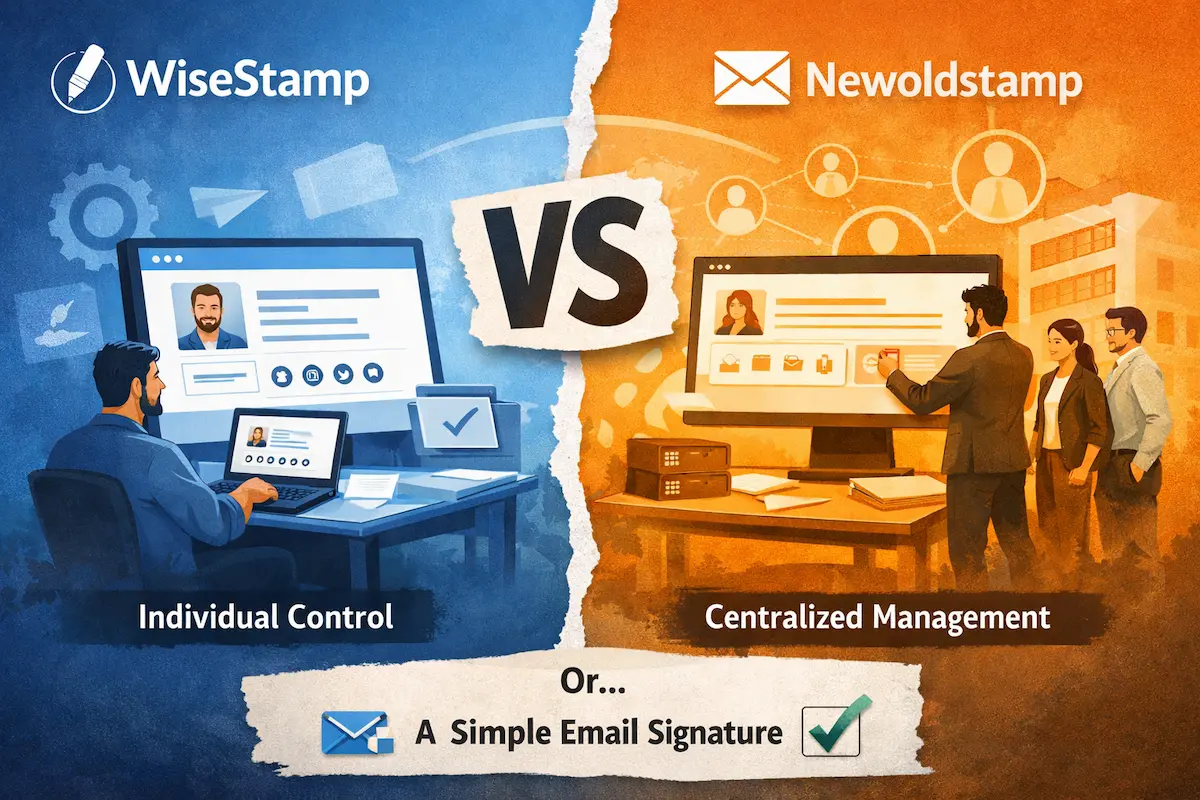
When people compare WiseStamp vs Newoldstamp, they usually expect a clear winner.
In reality, the decision is rarely that simple.
Both tools solve the same problem—creating email signatures—but they’re built for slightly different situations. The confusion starts when those situations overlap, which happens more often than you’d expect.
Some teams start with WiseStamp and outgrow it. Others try Newoldstamp and feel it’s more structure than they actually need. That’s why this comparison isn’t about features on a checklist, but about how each tool behaves once you start using it.
If all you need is a clean, professional signature without dealing with platforms or subscriptions, you can create an email signature in minutes using a simple generator and avoid the complexity altogether.
Why this comparison is more confusing than it looks
A typical WiseStamp Newoldstamp comparison focuses on features—templates, customization, integrations. But that approach misses the bigger picture.
WiseStamp is built around the individual user. You create your signature, adjust it whenever you want, and control how it looks. Everything is fast, visual, and easy to change.
Newoldstamp takes a different direction. It treats email signatures as part of a company’s communication system rather than a personal asset. Instead of users managing their own signatures, control shifts toward the organization.
That shift changes how both tools feel in practice.
How WiseStamp works in everyday use
Using WiseStamp is straightforward from the start. You pick a template, add your details, tweak the design, and install it. Within minutes, your signature is ready to go.
That’s exactly why the WiseStamp email signature approach works so well for freelancers and small teams. There’s no setup, no dependencies, and no need to involve anyone else.
But this same simplicity becomes a limitation as soon as multiple people are involved. Since each user manages their own signature, consistency starts to break down over time. Small differences in formatting, missing elements, or personal edits gradually create a lack of uniformity across the team.
It’s not something you notice immediately—but it adds up.
Where Newoldstamp changes the experience
Newoldstamp approaches the same problem from a different angle.
Instead of relying on individuals, it introduces centralized control. Signatures are created and managed at the team level, which makes it much easier to maintain consistency across the organization.
With a Newoldstamp email signature, templates are defined once and applied across users. Branding stays consistent, updates are controlled, and the overall presentation remains predictable.
For growing teams, this structure solves the exact problem that WiseStamp struggles with.
At the same time, it introduces a different kind of friction. The tool is no longer something you “just use.” It becomes part of your workflow, requiring setup, coordination, and ongoing management.
The difference that actually matters
On paper, both tools offer similar capabilities. But in a real WiseStamp vs Newoldstamp comparison, the difference isn’t about features—it’s about control.
WiseStamp keeps control at the individual level.
Newoldstamp moves that control to the organization.
That one decision affects everything: how signatures are updated, how consistent they are, how much effort is required to maintain them, and how well the solution scales.
This is why feature-by-feature comparisons often lead to the wrong conclusion. They ignore the underlying model.
Pricing reality (Not just numbers)
WiseStamp pricing appears straightforward at first glance:
- Pro: $9/month per user
- Basic: $19/month per user
- Team plans: Scale with user count
The appeal is obvious. For a single user, $9/month feels lightweight and accessible. You’re paying for convenience and design flexibility.
But here’s what that pricing structure means in practice: as your team grows, costs grow linearly. Five users means $45–95/month. Ten users means $90–190/month. The subscription model scales directly with headcount.
More importantly, you’re not just paying for the tool—you’re paying for the manual effort required to maintain consistency. Someone needs to create templates, share guidelines, and periodically remind team members to keep their signatures uniform.
That hidden labor cost adds up.
Newoldstamp pricing reflects a different calculation. You’re paying for centralized control, which means:
- Per-user costs that decrease with volume
- Platform infrastructure and management overhead
- The ability to enforce consistency without manual intervention
For smaller teams, this feels expensive relative to the value delivered. For larger organizations, the pricing starts making sense because it eliminates the hidden coordination costs.
The question isn’t which tool is cheaper. In both cases, you’re paying for a platform.
And that raises a question many users eventually ask: do you actually need one?
If your goal is simply to create a clean, professional signature, you can create a professional email signature without ongoing subscriptions or platform dependencies.
Why many users hesitate between the two
What’s interesting is that many people comparing WiseStamp vs Newoldstamp don’t fully fit into either category.
They’re not managing large teams, but they also don’t want to deal with inconsistent signatures. They don’t need dashboards, centralized control, or subscription-based platforms.
What they need is simpler: a clean, professional signature that works reliably across email clients.
The comparison framework itself creates a false choice. It assumes you need to pick between WiseStamp’s individual model and Newoldstamp’s team platform—when in many cases, the better answer is to step outside that framework entirely.
A simpler way to handle email signatures
There’s a more direct approach that removes the platform dependency altogether.
Instead of managing signatures through external tools, you can create a simple HTML signature once and use it across all email clients. No browser extensions. No dashboards. No subscriptions.
This approach delivers:
- Consistent formatting across email clients
- No broken layouts in forwarded emails
- No blocked images or external dependencies
- No ongoing platform costs
For professionals who care more about reliability than features, this method proves more practical than either WiseStamp or Newoldstamp.
Final perspective
The WiseStamp vs Newoldstamp decision isn’t about which tool has better features.
It’s about choosing the level of control that matches how your team works.
WiseStamp is built for speed, autonomy, and individual control. It works when flexibility matters more than uniformity.
Newoldstamp is built for consistency, governance, and centralized management. It works when brand control outweighs individual autonomy.
But for many users, the real insight isn’t which tool is better.
It’s realizing that neither tool may be necessary in the first place.
If all you need is a clean, professional signature that works reliably across email clients, a simpler solution often delivers exactly that—without the cost, complexity, or overhead.