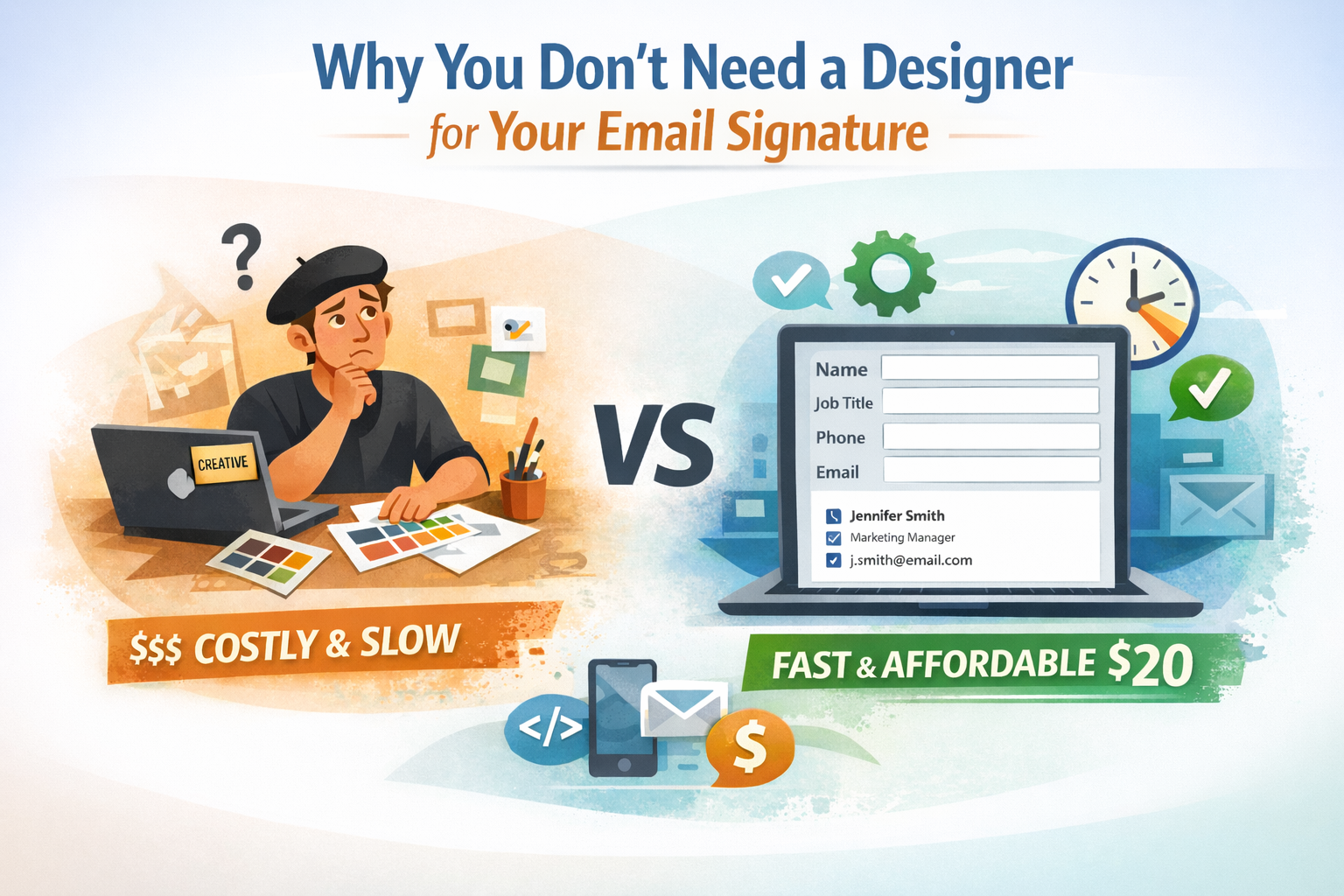
Many people assume they need a professional email signature design to make their messages look polished. When searching for solutions, they often ask “who can design my signature professionally?” Hiring a designer may seem like the right choice—after all, you want your contact information to look credible and professional.
But here’s the reality: modern online tools let you create perfectly professional signatures yourself—faster, cheaper, and often more reliably than custom design work. You don’t need design skills, HTML knowledge, or expensive freelancer fees. You need the right tool.
This article explains why email signature layout is a technical problem, not a creative one, how online tools solve it better than creative specialists, and why email signatures with logo elements often hurt more than help.
Create your online email signature builder signature in under 5 minutes.
Why Online Tools Replace Designers
The shift from hiring designers to using DIY tools isn’t just about cutting corners—it’s about using appropriate solutions for technical problems.
Layout Problems, Not Design Projects
A professional contact block should clearly include six key pieces of information:
- Your name
- Job title
- Company name
- Phone number
- Email address
- Website URL
Arranging these elements doesn’t demand creative expertise. It requires understanding email signature layout principles: clear hierarchy, readable formatting, and technical compatibility across email clients.
Unlike websites, brochures, or marketing materials where creativity drives results, email signatures succeed through simplicity and reliability. In fact, the “design” work is mostly about technical implementation—making sure they display correctly in Gmail, Outlook, Apple Mail, and dozens of other platforms with varying rendering engines. That’s why even basic tasks like updating email signature in Outlook or updating signature in Gmail often require platform-specific adjustments to ensure consistent formatting and behavior across clients.
What Online Tools Actually Do
When you use a signature designer online tool or online email signature builder, you’re accessing purpose-built technology that solves email-specific technical challenges:
Cross-platform compatibility: These tools generate HTML code tested across major email clients. Contact information renders correctly whether recipients use Outlook 2016, Gmail web, Apple Mail, or mobile apps.
Spam filter compliance: Email signature maker online services produce clean, lightweight code that passes spam filtering systems. No heavy CSS, no suspicious external requests, no elements that trigger automated flags.
Mobile responsiveness: When you design email signature online, the output automatically adapts to narrow smartphone screens where most business correspondence gets read first.
Instant generation: Tools let you create your own email signature in minutes. Enter your information, select a format, copy the HTML code, and add it to your inbox. No waiting for designer availability or revision cycles.
Modern email signature templates built into these platforms follow proven patterns that work reliably. You’re not experimenting with untested layouts—you’re using formats validated across millions of sent messages.
The Designer Coordination Problem
Whether you’re working with freelancers, agencies, or in-house teams, involving a designer in a task often brings specific challenges:
Initial timeline: Designers need days for mockups and delivery. Even fast-turnaround freelance services require 24-48 hours minimum. Agency projects can take a week or more with approval cycles.
Update dependency: Any change—like a new phone number, role update, or company rebrand—requires contacting the specialist, explaining the modifications, and waiting for revised files. Involving him in this process creates an ongoing dependency for updates that could take just minutes.
Technical testing burden: Creative specialists deliver files. You handle testing across platforms and fixing rendering problems. When Outlook displays incorrectly or mobile layouts break, you’re requesting fixes and coordinating additional revisions.
Cost comparison: An hour of designer work costs $50. Overall, the task takes 2–4 hours (initial consultation, mockups, HTML coding, revisions), resulting in a total cost of $100–200. Each update requires 1–2 hours at $50, adding $50–100 per change. A generator costs $20, takes 5 minutes instead of days, and allows you to manage updates yourself without coordination overhead or waiting periods.
Why Logo Creates Problems
Email signatures with logo elements seem professional. Company logos signal brand identity. Visual elements create polish. In theory, this makes sense.
In practice, logos create more problems than they solve.
Image Blocking Breaks Logo
When your logo signature arrives in someone’s inbox, they see:
- Empty box where the logo should appear
- “Download images” security warning
- Broken layout with missing visual element
- Unprofessional appearance despite your design investment
Most recipients never click “download images”—especially for unfamiliar senders. Your expensive logo becomes a liability.
Logos Trigger Spam Filters
Every external image request increases spam scoring. Your logo file lives on a server. Spam filters detect external requests and raise suspicion—particularly for high-volume senders.
Sales teams, account managers, and support staff sending dozens of daily emails with logo signature elements see measurably worse inbox placement than colleagues using image—free HTML signatures.
The Real Value Proposition
Here’s the key insight: best email signature designs use image—free HTML formatting.
Text—focused HTML requires no artistic skill. Proper spacing and clear typography come from email signature design template patterns, not custom creative work. Company names in text provide brand identification without technical complications.
Online email signature builder platforms handle the technical workflow automatically. Instead of coordinating revisions with freelancers or attempting manual HTML coding, users enter contact details, select proven layouts, and receive production-ready code optimized for deliverability.
Layout Patterns That Work
Instead of creative custom design, follow proven email signature layout patterns.
Vertical Format
Stack each element on separate lines:
Jennifer Martinez
Account Manager
CloudTech Solutions
(555) 234-5678
jennifer.martinez@cloudtech.com
cloudtech.com
This format maximizes readability, works flawlessly on mobile, and renders consistently across all platforms. No creativity required—just logical information sequence.
Inline Format
Combine elements horizontally for space efficiency:
Jennifer Martinez | Account Manager at CloudTech Solutions
(555) 234-5678
jennifer.martinez@cloudtech.com
cloudtech.com
Conserves vertical space while maintaining clarity. Still mobile-responsive. Still universally compatible.
Both patterns solve the layout challenge without specialized expertise. Choose based on preference—both deliver reliable results.
When information changes—new role, updated phone number, company rebrand—return to the generator, enter new details, and regenerate. It takes two minutes. When you create HTML email signature files through generators, you maintain control without technical dependencies or ongoing coordination.
Quick Summary
You don’t need a designer to create your own email signature. Online tools solve the technical challenges better than custom design work.
Key principles:
- Email signatures are layout problems requiring technical compatibility, not creative design projects
- Online tools generate reliably compatible code in minutes
- Modern email signature templates follow proven patterns that work across all platforms
- Including logos can create more problems than benefits—text—focused HTML layouts work best
- Professional email signature design prioritizes function over form—generators provide this automatically
- Email signature design template libraries offer tested formats ready to use
- Create HTML email signature files through specialized generators for better deliverability than custom design
- Best email signature designs aren’t visually elaborate—they’re functionally reliable
When online tools win (most cases):
- Sales teams, account managers, support staff
- Teams needing consistent formatting
- Organizations wanting instant updates
- Businesses prioritizing deliverability
- Anyone dealing with a large volume of daily correspondence
- Anyone wanting cost efficiency
The reality: When you design email signature online using specialized generators, you get better technical compatibility, faster deployment, complete control, and significant cost savings compared to hiring designers.
Clean, functional layout beats elaborate custom design every time.
Build your email signature maker online signature in under 5 minutes.