Why Free Tools Often Make Email Signatures Harder Than They Should Be
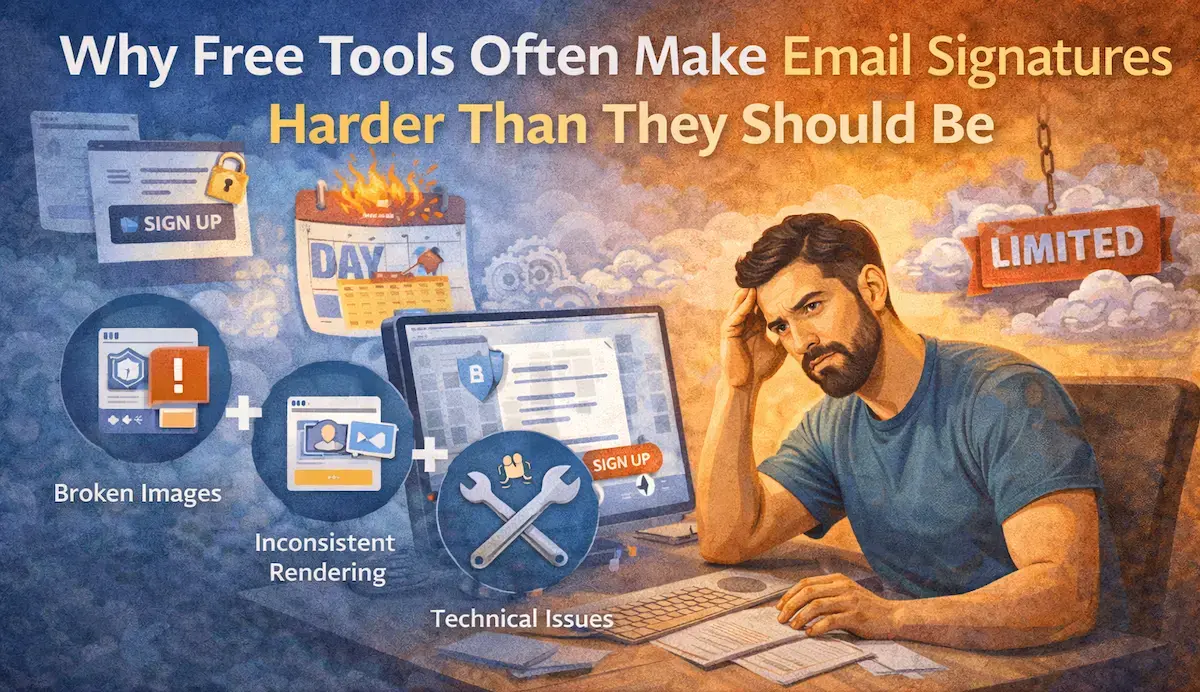
Most people looking for a free email signature generator (often typing something like “best free email signature maker” into Google) are trying to solve a simple task: create a clean, professional signature without spending time or money.
You open a page, type in your details, copy the result, and move on. That’s the expectation. It sounds quick and simple for a task like creating an email signature.
But once you actually start using these tools, what should be a quick task turns into something unexpectedly frustrating.
The problem is not just quality. It’s how these tools are built.
If your goal is to get a clean signature without unnecessary steps, you can create an email signature in minutes without signing up or dealing with subscriptions.
Why Most Free Email Signature Generators Exist
When someone searches for a free online email signature creator or tries to figure out how to create a free HTML email signature, their expectations are straightforward.
They want something fast, simple, and reliable. A tool that produces a signature that looks good across Gmail, Outlook, and mobile devices. No technical setup, no maintenance, no surprises. Many tools position themselves as the best free email signature creator, offering visual builders, drag-and-drop templates etc.
In reality, most of these generators are not standalone products. They are small features attached to something else: a CRM platform, a marketing tool, or a management system.
The generator is there to attract users, not to solve your problem in the simplest way possible. That’s why the UX feels limited. You’re not using the product. You’re stepping into a funnel.
Where the Friction Starts in Practice
What should take a couple of minutes turns into a process with extra steps you didn’t expect.
A typical free email signature generator asks you to create an account before you can even see the final result. You sign up, confirm your email, and end up in a dashboard you never planned to use. At that point, something simple already feels more complicated than it should be.
Many tools market themselves as the best option but turn out to be limited versions designed to push you toward a paid plan. Templates are locked, branding cannot be removed, and customization is restricted.
You are no longer just creating a signature. You are now tied to a platform. Editing happens inside their system, assets are hosted on their side, and even small updates require going back into a tool you never wanted to depend on.
The Problems That Show Up Later
Even if you go through the process, the real issues usually show up later. This is where many HTML-based signature tools fall short.
Unreliable Image Hosting
A large number of signatures generated by free tools rely on externally hosted images: logos, icons, or banners.
Some providers host images on their own servers, and those URLs can change. There have been cases where users were required to regenerate signatures after providers updated their image infrastructure, breaking previously created signatures.
When that happens, images simply stop loading. The signature remains in place, but key visual elements disappear.
Inconsistent Rendering Across Email Clients
Email clients don’t follow a single standard for HTML rendering.
A signature that looks perfectly aligned in Gmail may shift in Outlook. Apple Mail may handle spacing differently. Mobile clients often simplify or strip styling altogether.
This means that even the best free email signature generator can only guarantee how the signature looks in its own preview, not how it behaves across environments. Most free tools don’t test across all major clients. They optimize for visual output, not cross-platform reliability.
Lack of Maintenance and Updates
Because these tools are secondary features, support is limited. They don’t receive consistent updates or long-term support. Bugs persist, compatibility issues remain unresolved, and changes in email client behavior aren’t addressed quickly.
Over time, this reduces reliability, even if the tool worked initially.
Why Templates Don’t Solve the Problem
Many people browse through the best free email signature templates looking for something ready-made.
But templates solve only one part of the problem: layout.
They don’t guarantee that the signature will:
- render correctly in all email clients
- survive forwarding and reply chains
- display consistently on mobile devices
In practice, a simple HTML signature built with text-based elements is more reliable than image-heavy templates. Clean HTML code with text formatting stays consistent and avoids most rendering issues that come from embedded images or complex styling.
What People Actually Need
If you step back from all the features, the need itself is pretty simple.
People are not looking for a platform. They are trying to complete a task.
They want a signature that looks professional, works across devices, and does not require ongoing attention. They are not looking to manage another tool or deal with unnecessary setup.
That’s where the gap shows up between what these tools offer and what users actually need. The core issue with many free email signature maker tools is not that they are unusable. It is that they introduce complexity where none is needed.
You start with a simple goal and end up dealing with registration, limitations, and platform dependencies that were never part of the task.
All of this just to avoid paying.
In reality, that trade-off rarely makes sense.
Why Paying Once Can Be the Better Option
There’s a simpler way to handle this.
Instead of trying to figure out what is the best free HTML email signature generator, you can use a tool that is built to solve the task directly.
You enter your details, generate the signature, and use it. No accounts, no subscriptions, no extra steps.
A paid email signature generator in this context is not about extra features. It’s about removing friction. You pay once, get the result, and move on.
Trying to do it for free often ends up being more frustrating than just solving it properly once.
Final Thoughts
Free tools are not necessarily bad, but they are rarely built to solve your problem in the most direct way.
They prioritize user acquisition, not simplicity. That’s why they come with extra steps, limitations, and small technical issues that tend to appear later.
If your goal is to create a reliable, professional signature, it makes more sense to use something that just does the job.
You can create a professional email signature in minutes without subscriptions, accounts, or unnecessary steps.