Why Attorney Email Signatures Should Be Text-Only (Compliance + Examples)
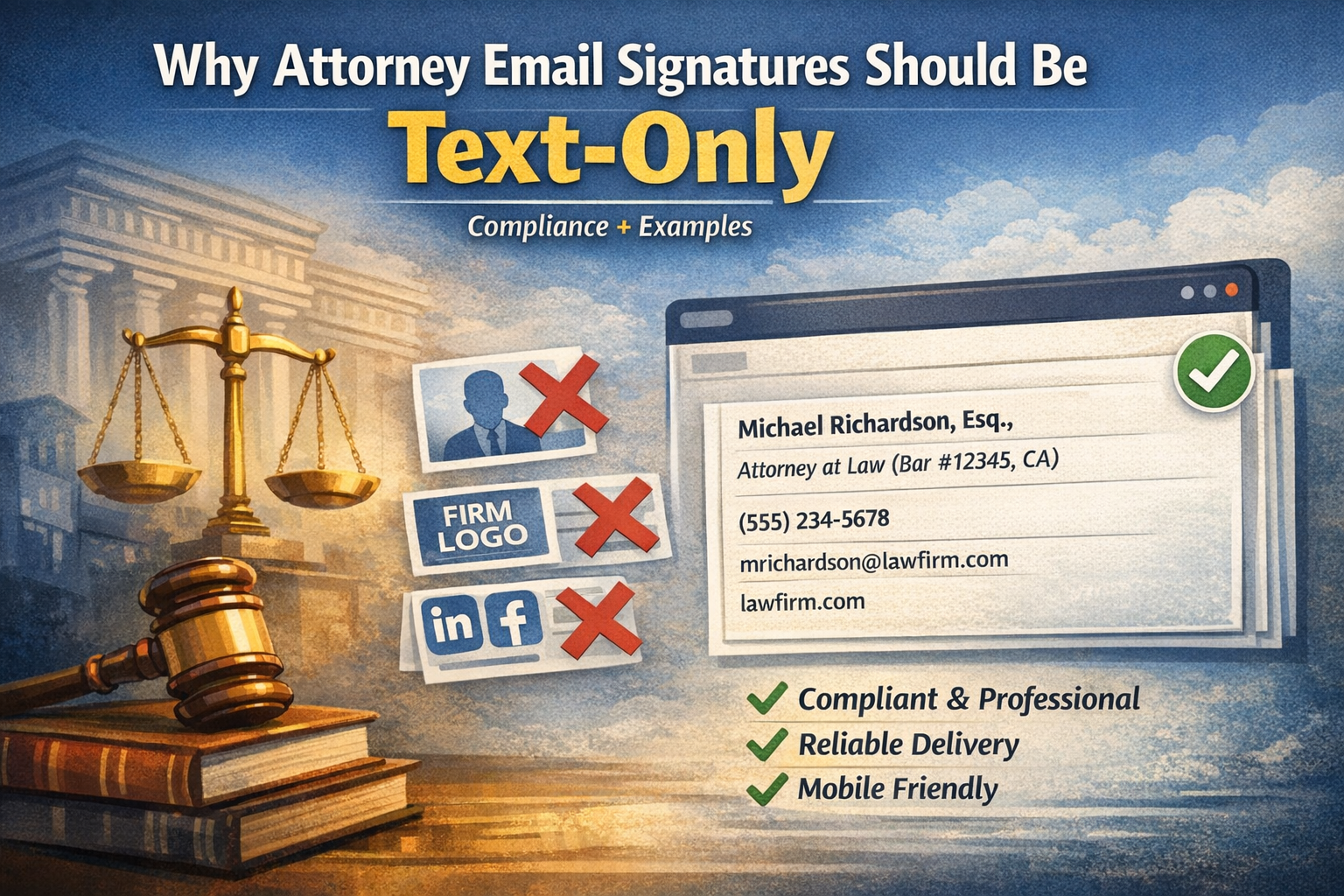
Most email signature generators tell lawyers to add professional headshots, firm logos, and social media links. It sounds like good marketing advice—but it’s the wrong approach for legal professionals.
In the legal industry, professionalism is defined not by visual design, but by reliability, clarity, and adherence to standards. Complex signatures with images create technical problems and can appear unprofessional to clients and opposing counsel.
Text-focused HTML email signatures work better for attorneys: they’re compatible with all systems, appear professional in the legal environment, and allow you to include all necessary legal credentials without visual clutter.
If you want to create a professional, text-focused HTML attorney email signature that works across all platforms, you can generate one in under 5 minutes.
Why Common Email Signature Advice Doesn’t Work for Attorneys
The Photo Problem: Technical Failures Undermine Credibility
Most corporate email clients block external images by default as a security measure. Instead of your professional headshot, clients see a broken image placeholder with an “X” icon. This signals an untrusted sender to recipients.
Over 60% of professionals read emails in Dark Mode. Photos with white backgrounds render as jarring white boxes, disrupting the entire message layout.
In the legal industry, trust is built through credentials, experience, and competence—not appearance. Clients choose attorneys based on bar credentials, case results, and expertise. A broken image placeholder damages credibility.
The Logo Problem: Brand Recognition vs. Email Deliverability
Law firm marketing materials emphasize visual brand identity. Many firms naturally want to extend this to email signatures with firm logos.
The technical cost is significant.
Deliverability issues:
Email providers assign “spam scores” to every message. Images, especially externally hosted ones, add points to this score. Each image is an external HTTP request that email filters evaluate. Reach the spam threshold, and your legal correspondence goes to junk folders instead of inboxes.
When you’re sending time-sensitive communications—court deadlines, client updates, settlement negotiations—a missed email due to spam filtering can have serious professional consequences.
Compatibility problems:
Logos break in mobile view and different email clients. External image requests create security concerns for corporate clients with strict IT policies. Text-based firm names work universally across all platforms and email systems.
Your law firm email signature brand is better served by reliable delivery than by a logo that may not display correctly.
The Social Media Problem: Appropriate Communication Context
LinkedIn and social media icons in email signatures have become common in many industries. For attorneys, they blur the line between professional legal correspondence and marketing communications.
Context matters in legal correspondence:
While attorneys may want professional connections to follow their thought leadership on LinkedIn, including social media icons in client correspondence creates the wrong context. These icons work well in firm newsletters or marketing emails, but they distract from the professional nature of attorney-client communications about specific legal matters.
Bar ethics considerations:
Many states have specific rules about advertising and solicitation in attorney communications. Social media links in every email—including client correspondence—may cross ethical boundaries depending on your jurisdiction. What works as networking in other industries can create compliance issues in legal practice.
Technical reliability:
Each social media icon is a separate external resource that can fail to load. If even one icon breaks, your entire signature can render incorrectly. Multiple external requests also increase spam filter scores and slow email loading times.
What Should Be in a Lawyer Email Signature
A professional lawyer email signature requires balancing completeness with simplicity. Attorneys need signatures that work reliably across all legal systems while maintaining professional standards.
Essential Components for Attorney Email Signatures
Every attorney email signature block should include these six core elements:
1. Full Name with Credentials
Include professional designations: Esq., J.D., LL.M (if relevant). Example: “Michael Richardson, Esq.” or “Sarah Chen, J.D.” Maintain consistency with your bar registration and court filings.
2. Professional Title and Bar Information
Specify your role: “Attorney at Law,” “Partner,” “Associate,” “Of Counsel.” Include bar number and jurisdiction if required or beneficial: “Attorney at Law (Bar #12345, CA).” For multi-state practice: “Partner (Bar #67890, NY, NJ).”
3. Law Firm or Legal Department Name
State your affiliation clearly—whether it’s a law firm name or corporate legal department. This provides institutional credibility and context for recipients.
4. Direct Phone Number
List one direct line—your office or mobile number. Avoid listing multiple numbers, which creates confusion about which contact method to use.
5. Professional Email Address
Your email should match your firm domain. While recipients already have this information, displaying it facilitates forwarding to colleagues or clients who may need to contact you later.
6. Firm Website
Direct link to your firm or professional profile. Use a text-based link, not a button or image that may not render properly.
How to Include Bar Numbers and Jurisdictions
While professional email signature generators use six standard fields, attorneys can integrate bar numbers, jurisdictions, and credentials within these fields without requiring complex templates.
Do I need to include my bar number in my email signature?
Bar number inclusion is not mandatory in most jurisdictions, but many attorneys include it voluntarily for credibility and transparency. If your state bar requires disclosure in professional correspondence, include it in your Job Title field: “Attorney at Law (Bar #12345, CA).” For multi-state practice, list all relevant jurisdictions: “(Bar #67890, NY, NJ).”
Should I include my practice areas in my signature?
Generally no. Practice areas change, and listing them in every email creates maintenance issues. Instead, direct recipients to your firm website where practice areas and full credentials are displayed. If you must specify, keep it brief in your title: “Partner, Corporate Law” rather than listing multiple areas.
What about legal disclaimers?
Legal disclaimers—attorney-client privilege notices, confidentiality statements—should appear below your signature, not within it. These are separate elements that apply to email content, not contact information. Most email clients allow adding disclaimer text that appears after your signature block.
Professional Email Signature Templates for Attorneys
Below is a lawyer email signature example that demonstrates a compliant, text-focused HTML format for legal professionals. Each attorney signature template below works reliably across all email clients and mobile devices while following bar ethics considerations.
Example 1: Vertical Format
Michael Richardson, Esq.
Attorney at Law (Bar #12345, CA)
Richardson Legal Services
(555) 234-5678
michael@richardsonlegal.com
richardsonlegal.com
Why it works: Clear vertical hierarchy with each element on its own line. Demonstrates compliance without cluttering the signature. Maximum readability across all devices.
Best for: Solo practitioners, attorneys in jurisdictions requiring bar disclosure, professionals who prefer traditional formatting.
Example 2: Inline Format
Lisa Chang, J.D. | Attorney (Bar #45678, NY) at Sterling Group
(555) 234-5678
lchang@sterlinglegal.com
sterlinglegal.com
Why it works: Compact inline format. Space-efficient while maintaining all essential legal credentials. Professional appearance that adapts well to mobile screens.
Best for: Law firm attorneys, compact professional format, streamlined communications.
These formats are exactly what a professional email signature generator for attorneys produces—text-only, compliant, and universally compatible.
Why Text-Only Signatures Work Better for Legal Professionals
Text-focused HTML legal email signatures offer strategic advantages for attorneys. Here’s what makes minimalist signatures more effective than image-based alternatives.
Guaranteed Delivery Across All Systems
Legal professionals communicate through diverse platforms: document management systems, client portals, encrypted email services, and various email clients used by clients, opposing counsel, and courts.
Image-free HTML signatures maintain perfect integrity across all these systems. There are no external resources to load, no images to render, no complex HTML that might break in transit. Your contact information arrives exactly as you sent it, regardless of the recipient’s technology setup.
This reliability matters in legal practice. When every communication could become part of a case record, consistency and accuracy in how your information appears is not just convenient—it’s professional necessity.
Mobile Readability for Client Communications
Over 60% of emails are opened on mobile devices first. Clients review legal correspondence on smartphones during commutes, between meetings, and outside business hours.
Text-focused HTML signatures adapt perfectly to any screen size. There’s no text running off edges, no images that disappear, no formatting that breaks on smaller displays. Whether your client opens your email on a 27-inch desktop monitor or a 5-inch smartphone screen, your contact information remains completely readable.
For busy clients who need to reach you quickly, this mobile optimization means they can tap your phone number to call or tap your email to forward your information—without zooming, scrolling, or struggling with broken layouts.
Professional Standards in Legal Communications
The legal industry operates on established professional norms. Email signatures that prioritize clarity and function over visual design align with these standards.
Simple, text-based HTML signatures demonstrate respect for the recipient’s time by providing essential information without distractions. In an environment where clients expect precision and reliability, this approach reinforces professional credibility.
Technical failures—broken images, failed rendering, incompatible formats—undermine this credibility. Text-only HTML signatures eliminate these risks entirely.
Common Mistakes Attorneys Make with Email Signatures
Despite good intentions, many law firm email signature attempts create problems. Understanding these errors prevents technical issues and maintains professional standards.
Mistake 1: Placing Disclaimers Within the Signature
The problem: Some attorneys embed confidentiality notices or attorney-client privilege disclaimers directly in their signature block, mixing legal notices with contact information.
The solution: Disclaimers should appear below the signature as separate text. This maintains clarity—contact information is immediately visible, legal notices appear after. Most email clients allow adding disclaimer text that automatically appears below your signature.
Mistake 2: Not Updating When Changing Firms or Bar Status
The problem: Attorneys continue using outdated signatures after joining new firms, gaining new bar admissions, or changing titles. Outdated information creates professional liability issues and can violate bar rules in some jurisdictions.
The solution: Update signatures immediately when joining a new firm, receiving bar admission in additional states, changing title or role, or when any contact information changes. Professional accuracy demonstrates reliability and attention to detail.
Mistake 3: Including Case Results or Client Testimonials
The problem: Some attorneys add “Case Results,” awards, or client quotes to email signatures, treating them as marketing tools.
The solution: Many bar associations prohibit outcome representations or testimonials in routine communications without specific disclaimers. Keep promotional content on your website where proper context and disclosures can be provided. Email signatures should contain contact information only.
Attorney Email Signature Best Practices
Beyond avoiding mistakes, implement these practices to maximize your professional lawyer signature effectiveness.
Maintain Bar Association Compliance
Review your state bar’s rules regarding required disclosures in professional correspondence, advertising and solicitation limitations, confidentiality notice requirements, and multi-jurisdictional practice disclosures.
Requirements vary by state. California, New York, and Florida have specific rules about attorney communications. Verify your jurisdiction’s requirements annually to ensure continued compliance.
Make Contact Information Accessible
Format phone numbers for universal recognition: (555) 123-4567 or +1-555-123-4567. These formats automatically become tappable “click-to-call” links on smartphones, making it easier for clients to reach you directly from their mobile devices.
Maintain Consistency Across All Communications
A lawyer’s email signature should remain consistent across all correspondence and devices. Inconsistent formatting can create confusion and appear unprofessional—when recipients see different contact information in different emails, it raises questions about attention to detail.
This means using the same signature whether you’re emailing clients, opposing counsel, or court administrators. Consistency demonstrates the precision and reliability clients expect from legal professionals.
Test Across Multiple Platforms
After creating your signature, send test emails to your personal accounts (Gmail, Outlook, Yahoo), mobile devices (iPhone, Android) in both Light and Dark Mode, and colleague accounts using different email clients.
Verify all information remains legible and links function correctly across all platforms.
Should my mobile signature be different from desktop?
Most modern email platforms synchronize signatures across devices automatically. Text-only HTML signatures are already optimized for mobile—they adapt automatically to any screen size without requiring separate versions. This universal compatibility is one of the key advantages of minimalist attorney email signature design.
How to Create Your Attorney Email Signature
Creating an effective email signature for attorney use involves choosing between manual HTML coding and purpose-built generators.
Manual Creation Challenges
HTML email signatures demand specific technical knowledge: inline CSS requirements (standard CSS doesn’t work in email), table-based layouts for compatibility, testing across email clients (Gmail, Outlook, Apple Mail), mobile rendering verification, Dark Mode compatibility, and spam filter impact assessment.
For attorneys focused on legal practice rather than coding, this process consumes hours better spent on client service.
Using a Professional Email Signature Generator
A professional email signature generator for attorneys eliminates technical complexity while ensuring reliable results.
The process:
- Input your information: Name, title (including bar number if desired), firm, phone, email, website
- Select format: Choose vertical or inline layout
- Generate: Receive clean, tested HTML code
Why generators work better:
- Pre-tested across major email clients and mobile devices
- Optimized code for minimal file size and spam-filter compatibility
- Five-minute setup versus hours of manual coding
- Easy updates when changing firms or contact information
Installing Your Legal Email Signature
Once created, installation requires platform-specific steps.
For Gmail users: Follow this comprehensive Gmail signature setup guide with detailed instructions.
For Outlook users: This Outlook signature setup guide covers desktop, web, and Outlook 365.
Most legal professionals use Gmail (via Google Workspace) or Outlook (via Microsoft 365). Both platforms support HTML signatures, ensuring proper display for all recipients.
Quick Summary
Creating an effective attorney email signature prioritizes function and compliance over visual design.
Essential elements: Name with credentials, title with bar information, firm name, phone number, email, website.
Critical principles:
- Use text-only formatting for universal compatibility
- Avoid photos, logos, and social media icons
- Include bar numbers and jurisdictions within standard fields
- Place disclaimers below signature, not within
- Test across multiple devices and email clients
- Update immediately when information changes
Implementation: Use a professional generator for compliant results in minutes. Text-only HTML signatures work reliably across all legal systems, maintain professional appearance, and ensure your communications reach recipients.
Maintenance: Review quarterly, verify bar compliance annually, update immediately when changing firms or contact information.
In legal practice, even an email signature becomes part of how your professionalism is evaluated. Where credibility and reliability matter above all, simple text-only HTML signatures demonstrate focus on what matters: legal expertise, not visual eclecticism.