Professional Teacher Email Signature Guide
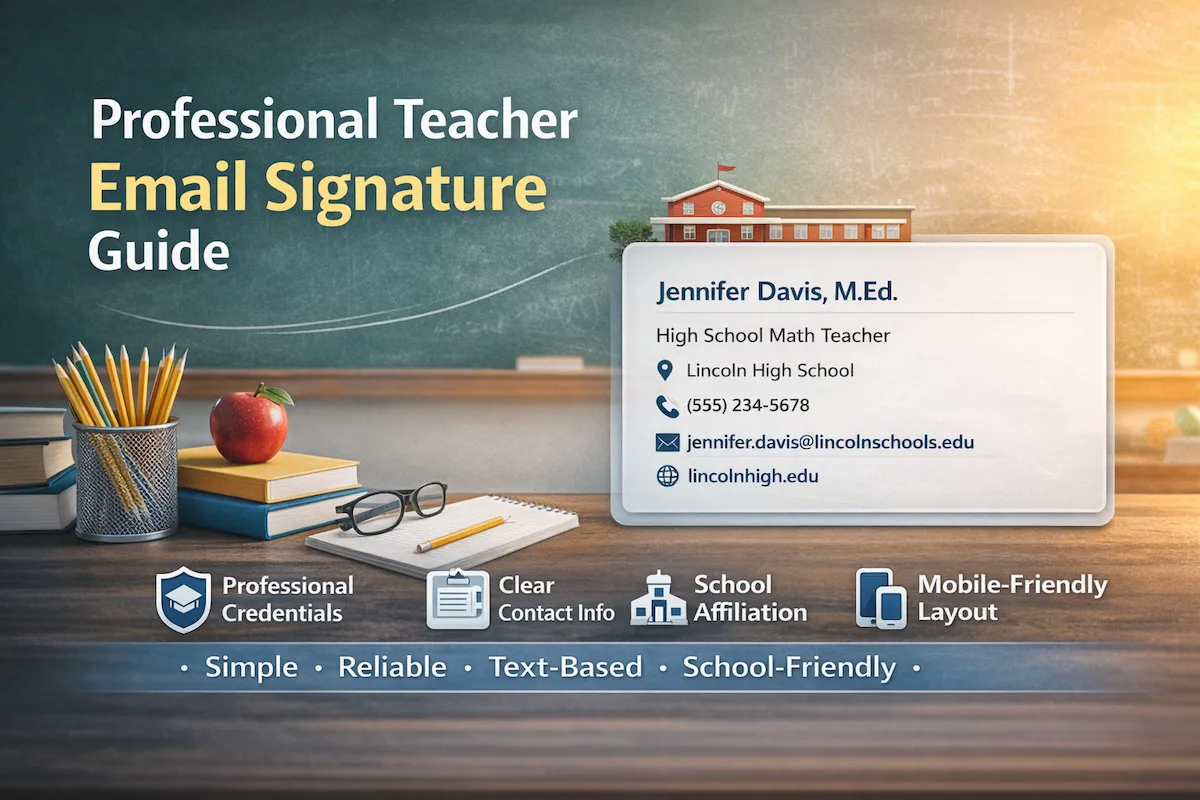
Every teacher sends dozens of emails weekly—assignment reminders to students, progress updates to parents, and coordination messages to colleagues. Each message ends with your teacher email signature, a small but crucial element that reflects your professionalism and ensures clear communication.
A well-structured email signature signals competence and reliability, helping parents, students, and administrators quickly recognize your role and credentials.
Create your professional teacher email signature in under 5 minutes.
What Makes an Effective Teacher Email Signature
An email signature does two things: gives parents and administrators your contact details while showing your teaching credentials and school.
Essential Elements for Teachers
Every professional teacher email signature should include the following elements, arranged in a clear hierarchy:
Full Name with Credentials: Place academic degrees immediately after your name—M.Ed., M.A., M.S., or Ph.D. National Board Certification (NBCT) follows the degree. This creates a national board certified teacher email signature where applicable, signaling formal qualification without further explanation.
Professional Title: Specify your subject and level (for example, “High School Math Teacher”). Clear subject and grade information makes your role immediately recognizable, particularly in multi-teacher threads.
School Affiliation: Include the official school name. In large districts, this helps parents and administrators confirm they’re contacting the correct campus.
Phone Number: Use a school extension or direct line for urgent matters such as scheduling, student concerns, or conferences.
Professional Email Address: A district-issued email establishes legitimacy and ensures messages remain within official communication records.
School Website: A simple link allows parents to access calendars, policies, and staff directories without cluttering the email.
Reliable Formatting for Signatures
Using a clean HTML signature without images or logos is the most dependable way to create a professional teacher email signature.
School districts mainly use Outlook and Google Workspace, and different email clients can display complex formatting inconsistently. Keeping your signature simple and image-free ensures:
- Consistent spacing and alignment across email clients
- Clickable phone numbers and links
- Predictable display on mobile devices
- No dependency on images or logos loading correctly
HTML is used here for reliability and readability, not decoration. This approach ensures your teacher’s email signature template looks professional and works the same for every recipient, regardless of device or email system.
Why Should Prefer Image-Free HTML Signatures
Beyond technical benefits, image-free HTML signatures offer professional advantages:
Professionalism and Etiquette: Clean, text-based signatures signal attention to detail and adherence to formal communication standards. Parents notice credentials (M.Ed., NBCT) and role clarity—not banners, logos, or photos.
Content Over Design: Education is content-driven. Parents and colleagues value your qualifications, subject expertise, and school affiliation over visual styling. Minimalist signatures focus attention on the message itself.
Practicality: Heavy email workloads are common in education. Image-free HTML signatures are quick to create, easy to update, and eliminate technical troubleshooting. No images mean no blocked placeholders or slow-loading messages.
Equity Among Staff: Not everyone has design skills. Simple HTML signatures level the playing field: novice and veteran educators look equally professional.
Privacy and Safety: Avoid sharing personal photos or logos that could be misused. Image-free HTML signatures reduce privacy risks and protect staff information.
Bulk Communication Efficiency: Group messages to parents are common. Image-heavy signatures slow delivery and increase spam risk. Simple HTML ensures fast delivery to all recipients, including those on mobile devices.
Mobile-First Reality in Education
Parents check emails on phones—during work breaks, in pickup lines, or late at night.
A well-structured email signature:
- Adapts naturally to small screens
- Keeps lines readable without zooming
- Turns phone numbers into tap-to-call links
- Avoids horizontal scrolling or broken layouts
Teacher Email Signature Examples
These email signature examples for teachers show proper formatting for different teaching roles. Each includes appropriate credentials and school information.
Example 1: High School Math Teacher
Jennifer Davis, M.Ed.
High School Math Teacher
Lincoln High School
(555) 234-5678
jennifer.davis@lincolnschools.edu
lincolnhigh.edu
Why it works: This high school teacher email signature places the M.Ed. credential immediately after the name, highlighting graduate-level training for parents evaluating qualifications. “Math Teacher” specifies subjects for parents with algebra or geometry questions. This math teacher email signature format works for any mathematics educator.
Example 2: Middle School Science Teacher
Michael Rodriguez, M.S.
Middle School Science Teacher
Roosevelt Middle School
(555) 789-2341
m.rodriguez@rooseveltms.edu
rooseveltms.edu
Why it works: M.S. credential signals science-specific graduate education. This middle school teacher email signature clearly states both subject and grade level—parents immediately know they’re contacting the right specialist for lab safety questions or project guidelines. This science teacher email signature demonstrates subject-specific expertise.
Example 3: English Department Chair
Sarah Chen, M.A., NBCT
English Department Chair
Washington High School
(555) 432-8765
sarah.chen@washingtonhs.edu
washingtonhs.edu/english
Why it works: Two credentials in proper order—degree first (M.A.), then certification (NBCT). This email signature includes “Department Chair” showing administrative responsibilities beyond classroom teaching.
Example 4: Special Education Teacher
David Morrison, M.Ed.
Special Education Teacher
Jefferson Middle School
(555) 876-5432
d.morrison@jeffersonms.edu
jeffersonms.edu
Why it works: M.Ed. credential demonstrates specialized training. Role specification matters here—parents of students with IEPs need to identify special education contacts quickly for accommodation discussions and support planning. This special education teacher email signature clearly communicates specialized expertise.
Example 5: AP Teacher
Amanda Foster, Ph.D.
AP Chemistry Teacher
Madison High School
(555) 567-8901
amanda.foster@madisonhs.edu
madisonhs.edu/science
Why it works: Ph.D. credential particularly relevant for AP courses where subject matter depth matters to parents evaluating college-level instruction. This high school teacher email signature works for advanced courses requiring specialized expertise.
Example 6: High School History Teacher
Robert Martinez, M.A.
History Teacher
Hamilton High School
(555) 345-6789
robert.martinez@hamiltonhs.edu
hamiltonhs.edu
Why it works: Clean subject-specific format. This template adapts easily—just swap “History” for your subject area and update contact details.
Example 7: Music Teacher
Emily Johnson, M.M.
Music Teacher
Lincoln Elementary School
(555) 234-9876
emily.johnson@lincolnschools.edu
lincolnelementary.edu/music
Why it works: M.M. (Master of Music) credential demonstrates specialized training in music education. Clear subject designation helps parents with questions about concerts, instrument requirements, or performance schedules. Department URL provides access to rehearsal calendars and concert information.
Example 8: Art Teacher
Carlos Rivera, M.F.A.
Art Teacher
Madison Middle School
(555) 345-7890
carlos.rivera@madisonms.edu
madisonms.edu/arts
Why it works: M.F.A. (Master of Fine Arts) credential signals advanced artistic training and teaching expertise. The arts department link provides exhibition schedules and curriculum details.
Example 9: School Counselor
Patricia Moore, M.Ed., LPC
School Counselor
Hamilton High School
(555) 456-8901
patricia.moore@hamiltonhs.edu
hamiltonhs.edu/counseling
Why it works: M.Ed. and LPC (Licensed Professional Counselor) credentials demonstrate both educational and clinical qualifications. “School Counselor” title clearly identifies a support role for parents seeking guidance on academic planning, college applications, or student wellbeing. Counseling department URL provides resources and appointment information.
Generate these formats instantly with a teacher email signature generator—properly formatted with correct credential ordering in 5 minutes.
Why Use a Generator for Teachers
Use a teacher email signature generator to remove guesswork and ensure professional standards for your teacher signature for email:
- Correct credential order automatically
- Standardized formatting across staff
- Fast updates when changing schools or roles
- Full compatibility with Outlook and Google Workspace
- HTML handled automatically, without images or clutter
Five-minute setup versus an hour of trial and error. Copy your generated code, paste it into your school email settings, done.
How to Generate Your Signature
Three steps get you from start to finish:
Step 1: Enter Your Information
Input your name with credentials, teaching role, school name, contact number, and school email. Follow the teacher email signature template examples above for proper formatting guidance and teacher email signature ideas. The preview will show your credentials displayed correctly even though field labels don’t say “educator credentials.”
Step 2: Choose Your Layout
Vertical layout puts each element on its own line—preferred for clarity in parent communications. Inline format combines information on fewer lines for compact presentation.
Step 3: Copy the Code
Receive formatted code ready for your email system. Works with both Google Workspace and Outlook—the two platforms most school districts use.
Installing Across Platforms
Add your HTML code to your school email:
For Google Workspace: See the Gmail signature setup guide for step-by-step instructions.
For Outlook: Check the Outlook signature setup guide for desktop and web versions.
Quick Summary
A professional teacher email signature is about reliability, readability, and professionalism—not branding. The best email signatures for teachers follow these principles:
- Image-free, content-first HTML
- Credentials directly after name
- Subject and level clearly stated
- School-issued email only
- Simple structure that works everywhere
Consistent, readable signatures reinforce professionalism, reduce confusion, and keep communication focused on students—not visuals.
Create your professional teacher email signature in under 5 minutes.