Professional Email Signature Guide for Students
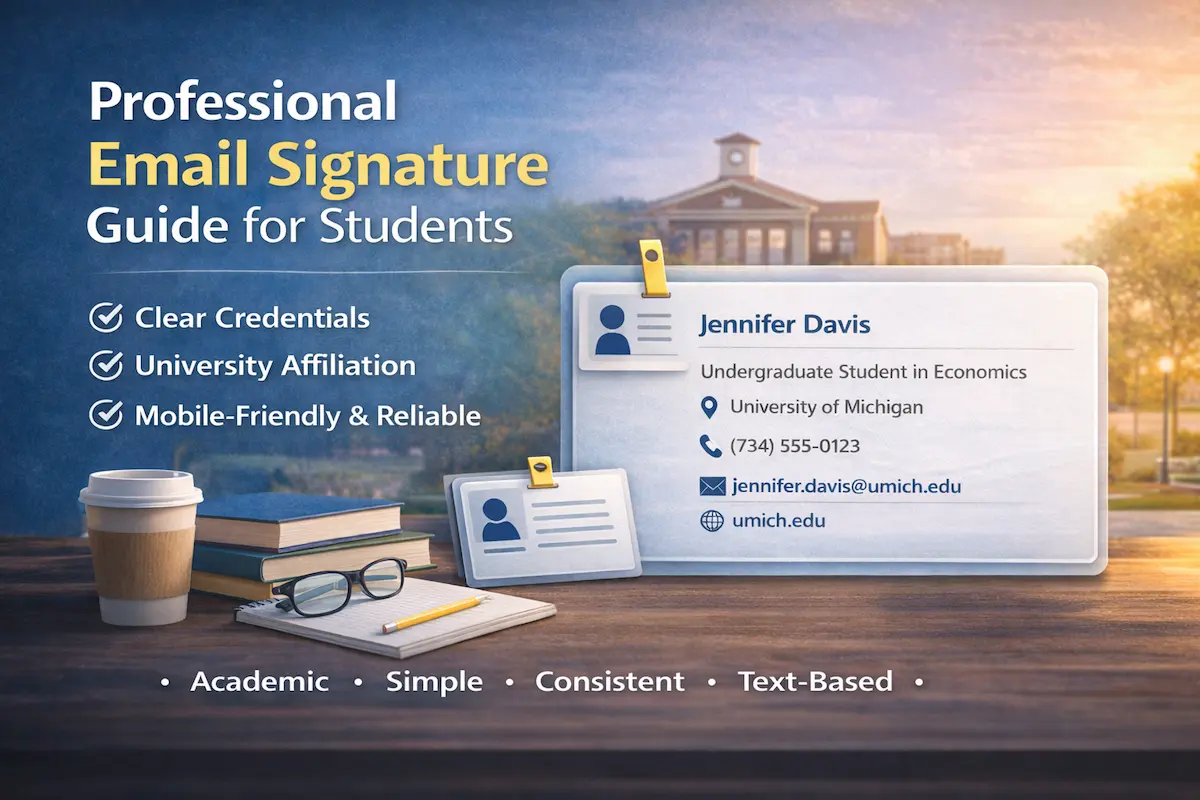
Academic life runs on email—and every message you send includes your email signature at the bottom. Whether you are writing to a professor, an academic advisor, a conference organizer, or a potential employer, your email is often the first and only point of contact.
In academic communication, a student email signature functions as a concise professional identifier. In just a few lines, it tells the recipient who you are, what level you study at, and which institution you represent. Professors and reviewers process dozens of messages daily, and they rely on these signals to immediately place you in the correct academic context.
Universities operate within formal communication norms. Emails become part of academic records, collaboration trails, and professional reputation over time. That is why a well-structured professional email signature student setup matters just as much as the body of the message itself.
Whether you are an undergraduate contacting a lecturer, a master’s student coordinating research, or a doctoral researcher reaching out to a potential supervisor, a clear and consistent student signature signals seriousness, credibility, and respect for academic standards.
Create your professional email signature student format in under 5 minutes.
What to Include in Your Student Email Signature
Your signature answers the questions recipients ask immediately: What’s your academic level? What field? Which institution? How do I respond?
Essential Elements for Students
Build your email signature with these components:
Full Name: Use the name that matches your academic records and any published work. Consistency matters for professional recognition.
Academic Status and Program: State your exact level and field—“Undergraduate Student in Economics,” “Graduate Student in Computer Science,” “PhD Candidate in Molecular Biology.” The distinction between “graduate student,” “PhD student,” and “PhD candidate” communicates where you are in your academic journey and what level of expertise recipients can expect.
University and Department: Small institutions need just the university name. At large research universities, add your department—“MIT” tells recipients almost nothing, while “Department of Biology, MIT” places you in a specific scholarly community where collaboration happens.
University Email Address: Your institutional .edu address proves you’re affiliated with a legitimate academic institution. Personal email addresses from consumer services raise questions about whether you’re actually a student at the institution you claim.
Phone Number: Include your direct line when coordination requires real-time contact—scheduling lab meetings, arranging conference calls, handling time-critical research logistics.
Personal Website or LinkedIn: This is where you maintain your academic presence—publication lists, conference presentations, research interests, downloadable CV.
The Text-Only HTML Signature
Many universities mandate official email signature templates that include university logos and strict brand compliance. While these policies aim to maintain institutional consistency, they create practical problems for students:
Image Dependency: Required university logos are image files that email clients block by default. Recipients see empty placeholders instead of professional branding—defeating the policy’s purpose.
Limited Flexibility: Standardized templates often provide only generic titles like “Student” or “Graduate Student,” lacking space for program specifics, research focus, or academic specializations that matter in scholarly communication.
Technical Complexity: Official generator tools add bureaucratic steps and approval processes to what should be a simple task. Students face multi-week delays for basic signature updates when changing programs or adding research positions.
The Practical Alternative: Clean, text-based HTML signatures accomplish what university policies intend—professional, consistent communication—without technical dependencies or bureaucratic barriers.
Text-only HTML isn’t the plain text your email client defaults to. It’s clean code that creates clickable links and proper spacing without images, complex tables, or elaborate styling.
Think of it as HTML stripped down to essentials: structured information that works identically whether your recipient opens email on Outlook for Windows, Gmail on Chrome, Apple Mail on iPhone, or Thunderbird on Linux.
The HTML provides functionality—click a phone number to call, click an email to compose, click a URL to visit. The “text-only” means no visual elements that break, block, or render inconsistently.
Student Email Signature Examples
Here’s what text-only HTML signatures look like in practice. These student signature example formats demonstrate proper formatting for different academic levels—each built with simple, reliable code that works across all email clients and devices.
Example 1: Undergraduate Student
Jennifer Davis
Undergraduate Student in Economics
University of Michigan
(734) 555-0123
jennifer.davis@umich.edu
umich.edu
Why it works: Clear academic level (Undergraduate) and field (Economics). University affiliation establishes institutional credibility. Simple format appropriate for early academic career. This email signature for undergraduate student works for any field—just change Economics to your major and update the university.
Example 2: Graduate Student (Master’s)
Michael Rodriguez
Graduate Student in Computer Science
Stanford University
(650) 555-0234
m.rodriguez@stanford.edu
cs.stanford.edu
Why it works: “Graduate Student” clearly indicates master’s-level study. Computer Science specialization stated. Department website link provides additional academic context. This email signature for masters student format works well for research-focused programs where you need to highlight both degree level and field expertise.
Example 3: PhD Student
Sarah Chen
PhD Student in Molecular Biology
Department of Biology, MIT
(617) 555-0345
sarah.chen@mit.edu
biology.mit.edu
Why it works: “PhD Student” distinguishes from master’s-level graduate students. Department affiliation (Department of Biology) indicates specific research community. This PhD student email signature format works for early doctoral program stages before qualifying exams when you’re still coursework-focused rather than dissertation-focused.
Example 4: PhD Candidate
David Morrison
PhD Candidate in Computational Neuroscience
Machine Learning & Brain Imaging Lab, Columbia University
(212) 555-0456
d.morrison@columbia.edu
davidmorrison.com/research
Why it works: “PhD Candidate” indicates advanced doctoral status (post-qualifying exams). Specific research focus and lab affiliation provide immediate research context. Personal website link showcases publications and academic portfolio—critical for job market candidates. This PhD candidate email signature format communicates advanced research credentials.
Example 5: Law Student
Amanda Foster
Law Student (2L)
Harvard Law School
(617) 555-0567
amanda.foster@law.harvard.edu
hls.harvard.edu
Why it works: Year designation (2L = second year) helps legal professionals understand experience level. Law school-specific email domain reinforces professional legal education setting. This law student email signature follows standard law school communication format.
Example 6: Medical Student
Robert Martinez
Medical Student (MS3)
Johns Hopkins School of Medicine
(410) 555-0678
robert.martinez@jhmi.edu
hopkinsmedicine.org
Why it works: Medical school year (MS3 = third year clinical rotations) signals clinical experience level. The medical institution domain establishes credibility in healthcare settings. Critical for residency applications. This email signature for medical student format meets medical education standards.
Example 7: Graduate Research Assistant
Lisa Thompson
Graduate Student in Environmental Engineering
Research Assistant, Climate Modeling Lab
University of Washington
(206) 555-0123
lisa.thompson@uw.edu
uw.edu/enviro
Why it works: Research position indicates funded role and specific expertise. Phone number included for conference coordination and fieldwork communication. This graduate student email signature works well for research-active graduate students.
Example 8: Compact Format (Inline)
James Park | PhD Student in Physics, Caltech
(626) 555-0789
james.park@caltech.edu
caltech.edu/physics
Why it works: Combines name, status, and affiliation on a single line. Space-efficient while maintaining essential information. This university student email signature format works for high-volume email correspondence with collaborators.
Generate these formats instantly with a student email signature generator—properly formatted for academic communication in 5 minutes.
Why Use a Minimalist Generator for Students
The right student email signature generator creates what university tools cannot: reliable, customizable, academically appropriate signatures without bureaucracy. Good email signatures for students share common traits—clarity, professionalism, technical reliability—and generators deliver all three automatically.
Technical Reliability:
Nothing blocks because there’s nothing to block. No university logo waiting for image permissions. No banner requiring external resources. Just text that loads instantly everywhere.
Mobile devices display it perfectly. Text reflows naturally to fit iPhone screens, Android tablets, whatever device your advisor uses to check email between meetings.
Every email client renders it identically. The signature that looks professional in your Gmail preview looks professional in your recipient’s Outlook inbox, Apple Mail window, university email signature interface.
Academic Professionalism:
Your credentials stand out because nothing distracts from them. No logo competing for attention. No color scheme drawing eyes away from “PhD Candidate in Computational Neuroscience.”
Faculty and collaborators scan for information—your program, your institution, your research focus. Text-only HTML signatures deliver exactly that information with zero noise.
Academic fields value substance over style. Your signature reflects that: clear, informative, appropriately formal.
Practical Efficiency:
Update your status from “PhD Student” to “PhD Candidate” in thirty seconds. Edit text, save, done. No portal logins, no approval workflows, no waiting for IT to process your request.
Change universities mid-program? Update your institution and department instantly. New research focus? Modify your title immediately. Text editing is simple. Bureaucratic processes are not.
Five-minute setup. No broken images. No bureaucracy. Professional results.
Installing Across Platforms
Once you’ve created your signature using the generator, add it to your email client:
For Gmail: Follow our guide on how to add an email signature in Gmail for complete setup instructions.
For Outlook: See our tutorial on how to set up an email signature in Outlook covering desktop and web versions.
Quick Summary
Student email signature design prioritizes reliability, clarity, and academic appropriateness over institutional branding.
Essential elements:
- Full name
- Specific academic status and program
- University and department
- Institutional email
- Phone, website, research links
Why text-only HTML works:
- No blocked images or broken logos
- Perfect rendering on mobile devices
- Consistent appearance across all email clients
- Instant updates without bureaucratic processes
- Fully customizable titles and specializations
University template challenges:
- Required logos are image files that email clients block by default
- Standardized templates provide only generic titles without room for specializations
- Bureaucratic generator tools create unnecessary complexity and approval delays
- One-size-fits-all approach doesn’t accommodate diverse academic roles and research focuses
The reliable alternative: Simple HTML signatures deliver what academic communication requires: clear credentials, institutional affiliation, reliable technical performance. No visual distractions, no compatibility issues, no administrative obstacles.
Academic communication context: Professors, advisors, and collaborators care about your research focus, academic credentials, and institutional affiliation—not logos or brand colors. Professional email signature student formats communicate these essentials clearly and reliably.
Create your student email signature in under 5 minutes.