Professional Email Signature Guide for Architects
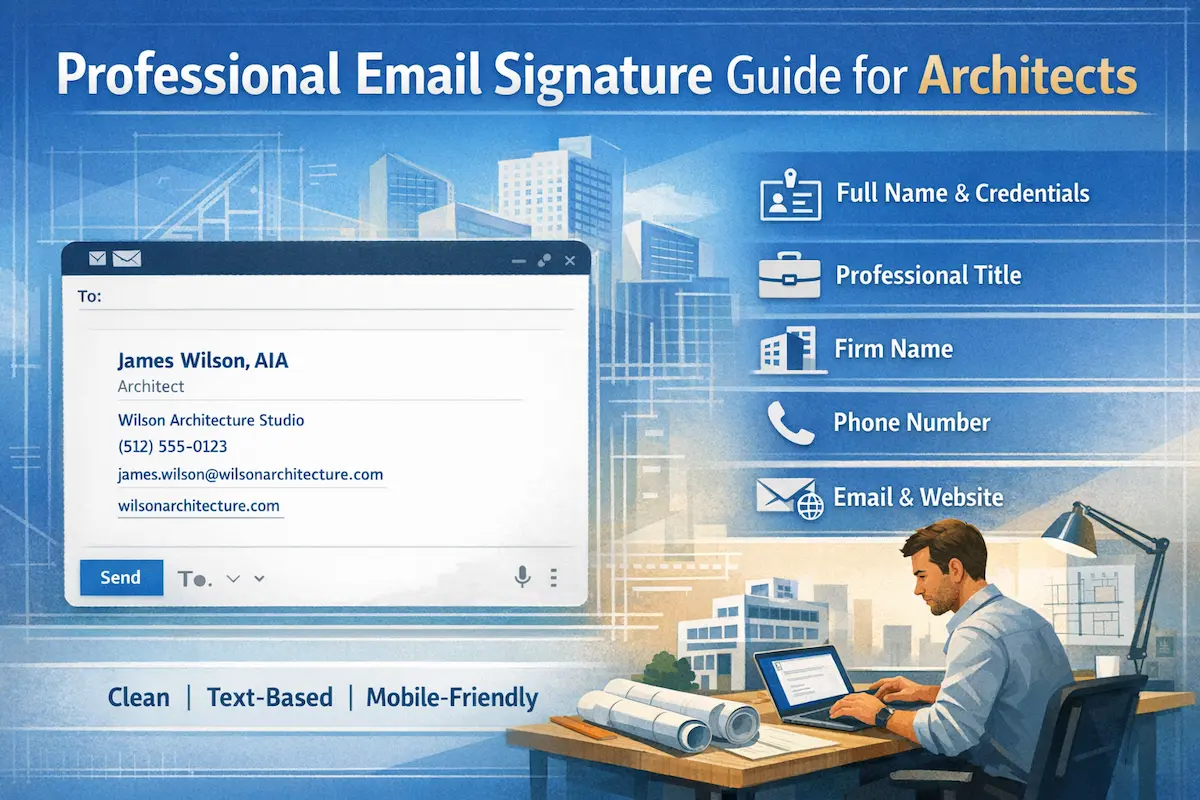
When a client receives your email for the first time, they aren’t just reading your message—they’re sizing you up. Municipal authorities check whether you’re licensed. Contractors want to know your role. Developers scan for a phone number before they’ve finished the first sentence. A strong architect email signature handles all of this quietly, in the background, without asking anything from the reader.
The goal isn’t to impress—it’s to remove friction. A well-crafted architect signature answers the basic questions instantly. One that doesn’t force people to go looking, and that’s where first impressions start to slip.
Create your architect email signature in under 5 minutes.
Best Email Signature Format for Architects
Before deciding what information to include, it’s worth settling the format question—because the wrong format can undermine even the best content.
Why Text-Only HTML Works Better Than Images
It’s tempting to build something visual. Architecture is a visual discipline, after all, and plenty of professionals assume that a logo or a branded banner makes their signature look more polished. In practice, the opposite tends to be true.
Most corporate and government email clients block external images by default. A signature built around a graphic arrives as a gray placeholder box—which looks far worse than plain text would have. Beyond rendering issues, image-heavy signatures can trigger spam filters, slow down load times, and break entirely on mobile.
Text-based HTML doesn’t have any of these problems. It loads instantly, displays correctly in every client, and scales cleanly across screen sizes. Architecture firms deal with a wide range of contacts—from municipal officials using legacy government systems to clients checking email on a phone. A professional architect email signature built on clean text reaches all of them without friction.
There’s also something to be said for restraint. The same discipline that makes good architecture—knowing what to leave out—applies here. A signature that’s easy to read is more professional than one that tries to do too much.
What to Include in an Architect Email Signature
The information in your signature should answer three questions: who you are, what you do, and how to reach you. Everything beyond that is clutter.
1. Full Name with Credentials
Include your name exactly as it appears on your registration, followed by professional credentials. Examples: “Sarah Davis, AIA” / “Michael Chen, RA, LEED AP” / “Jennifer Lee, AIA, NCARB”
Credential formatting communicates licensure status and professional affiliations. AIA (American Institute of Architects) signals member status. RA (Registered Architect) confirms state licensure. LEED AP demonstrates sustainability expertise. NCARB indicates national certification. Multiple credentials follow names in standard order: registration first, then professional designations.
2. Professional Title
Title context matters. “Architect” and “Principal Architect” communicate very different things to a client evaluating who they’re working with. Common titles include Landscape Architect, and Interior Architect—use the one that accurately reflects your actual role. Clear titles help clients and contractors understand who handles which aspects of project coordination.
3. Firm Name
Your architecture email signature should always include your firm’s full name. It reinforces professional affiliation and helps contacts remember which firm to associate you with, especially when they’re managing multiple consultants or vendors.
This information matters for project coordination. Solo practitioners handle different responsibilities than architects at large firms. Clients need to understand firm structure. Contractors need to know organizational context. Consultants need to identify coordination points. Firm name provides this context immediately.
4. Phone Number
A direct line—not a general reception number—signals accessibility. Clients and contractors want to know they can reach the person they’re emailing, not navigate a switchboard.
5. Email Address
Every architect email you send is an opportunity to reinforce your professional identity. Including your address in the signature makes it easy to copy, forward, or save—useful for anyone who receives your architect mail indirectly or wants to add you to their contacts.
6. Website or Portfolio
A single link to your firm’s website or portfolio gives recipients a way to learn more without asking. In architecture especially, work speaks louder than any description.
Architect Email Signature Examples
The architect email signature examples below cover the most common roles and specializations in the field. Each follows a clean HTML text format built around a ready-to-use architect email signature template—structured to communicate credentials, role, and contact information at a glance.
Example 1: Architect Signature
James Wilson, AIA
Architect
Wilson Architecture Studio
(512) 555-0123
james.wilson@wilsonarchitecture.com
wilsonarchitecture.com
Why it works: This architect’s email signature leads with AIA certification—a clear signal of licensure—and keeps everything else direct and unambiguous. The firm name reinforces professional context, and the contact details are easy to scan or copy.
Example 2: Principal Architect Signature
Sarah Martinez, RA, LEED AP
Principal Architect
Martinez & Associates
(615) 555-7890
sarah@martinezarch.com
martinezarch.com
Why it works: Two credentials communicate two different things—RA confirms state licensure, LEED AP signals expertise in sustainable design. Together, they add depth without requiring explanation. This professional architect email signature also uses the title “Principal Architect” to establish seniority, which carries weight in client and developer relationships.
Example 3: Architecture Firm Signature
Michael Chen, AIA
Project Architect
Design Collaborative Architecture
(312) 555-4567
michael.chen@designcollaborative.com
designcollaborative.com
Why it works: The firm name here does double duty as branding and context. For contractors and consultants receiving emails from multiple firm contacts, a clear architecture firm email signature like this one makes it easy to track who belongs to which organization and what their role is.
Example 4: Landscape Architect Signature
Jennifer Lee, ASLA
Landscape Architect
Lee Landscape Design
(213) 555-2341
jennifer@leelandscape.com
leelandscape.com
Why it works: ASLA is the defining credential in the landscape architecture field, and placing it prominently in a landscape architect email signature prevents any confusion about specialization. The title and firm name together make the scope of practice immediately clear.
Example 5: Interior Architect Signature
Robert Davis, NCIDQ
Interior Architect
Davis Interior Architecture
(718) 555-8901
robert@davisinterior.com
davisinterior.com
Why it works: NCIDQ certification distinguishes credentialed interior architects from general design practitioners—an important distinction in professional contexts. This interior architect email signature uses the title and credential together to draw that line clearly, which matters when working alongside engineers, contractors, or licensed architects.
Example 6: Interior Designer Signature
Amanda Foster
Interior Designer
Foster Design Studio
(206) 555-6543
amanda.foster@fosterdesign.com
fosterdesign.com
Why it works: Without a credential acronym, the title and firm name carry more weight—and they do it effectively here. This interior designer email signature is clean, approachable, and professional without overstating anything. The studio name has a distinctly creative feel that suits the field.
Your Architect Email Signature
Knowing what goes into a signature is one thing—building it correctly is another. Enter your AIA or RA credentials correctly, specify your architectural role, add firm details. The generator handles the HTML formatting so your signature renders properly across every email client without any technical work on your end.
Create your professional architect email signature in under 5 minutes.
Gmail
Gmail’s signature settings are straightforward once you know where to find them. Our Gmail signature setup guide walks through the process from start to finish.
Outlook
Outlook handles signatures slightly differently depending on the version. The Outlook signature setup guide covers both desktop and web app setup.
Conclusion
An architect email signature isn’t a formality—it’s a small, consistent piece of professional communication that represents you in every message you send.
Text-only HTML ensures reliable presentation across all email platforms and devices. No blocked images. No formatting failures. Whether we’re talking about a solo practitioner or a team where every architect’s signature follows the same standard, the principle is the same: the right credentials, a clear title, a firm name, and reliable contact details.
A professional architect email signature built on those principles will serve you well across every type of correspondence—client introductions, contractor coordination, permit submissions, and everything in between. Get the format right once, and it works quietly in the background every time you hit send.