Professional Email Signature Guide for Accountants & CPAs
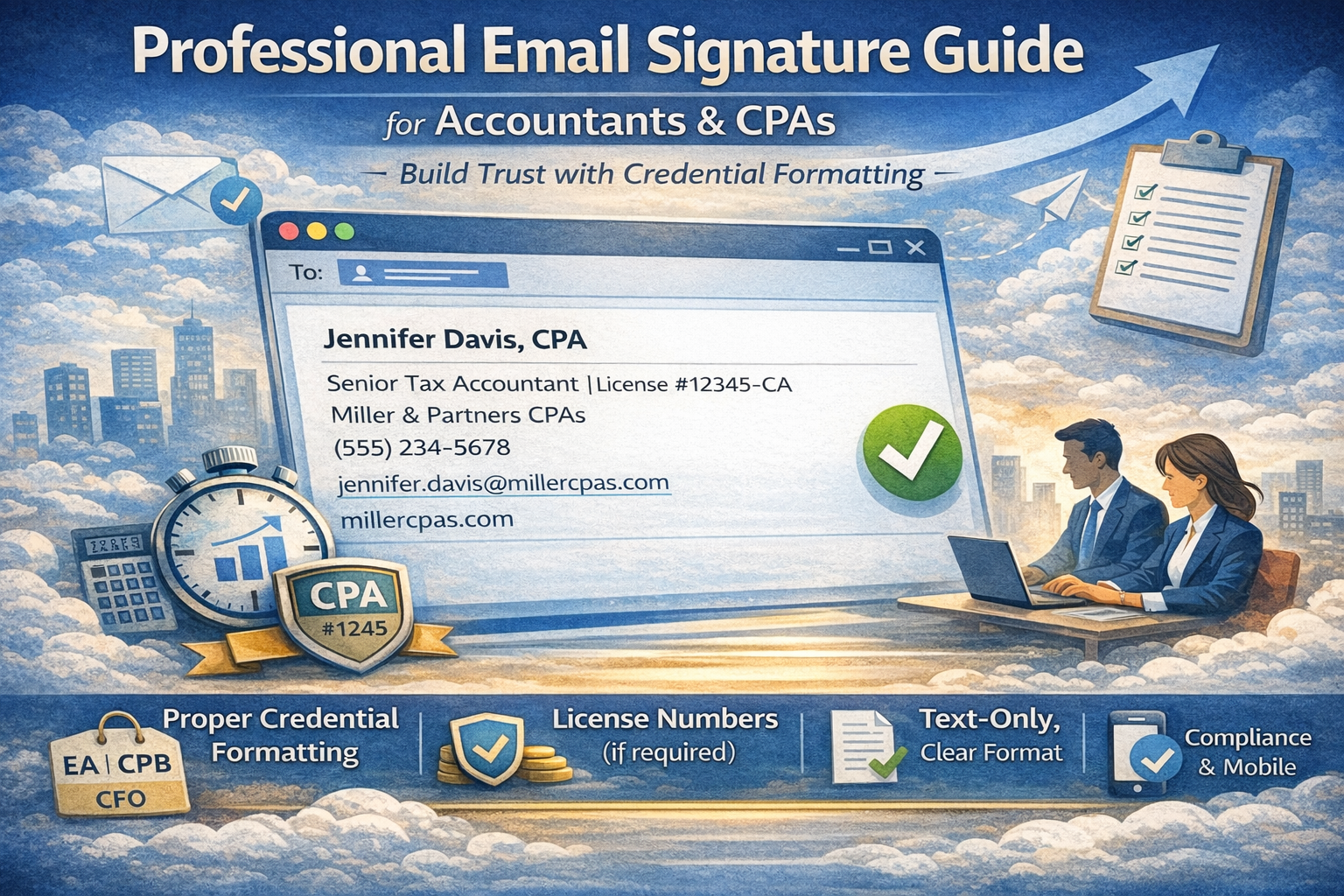
First impressions matter in accounting. When potential clients receive your email, they assess your professionalism before reading a single word of your message. A properly formatted signature demonstrates attention to detail—the exact quality clients expect from financial professionals managing their taxes, audits, or bookkeeping.
Accounting signatures require specific elements beyond standard business contact blocks: proper credential formatting, compliance with state board regulations, and consistent presentation that reinforces your professional standing. Generic templates fail because they don’t account for CPA designation rules, chartered accountant conventions, or jurisdiction-specific requirements.
This guide addresses the specific needs of CPAs, chartered accountants, bookkeepers, tax professionals, and accounting departments. You’ll learn proper credential formatting, see role-specific examples, understand compliance requirements, and discover how to maintain consistency across platforms.
Create your professional accountant signature with proper credential formatting in under 5 minutes.
What Makes an Effective Accountant Email Signature
An accountant email signature serves two distinct functions: providing contact information and establishing professional credibility through properly displayed credentials. Unlike other industries where signatures simply list names and numbers, financial services demand precision in how you present designations.
Credentials and Professional Standards
State boards regulate CPA designation usage. Professional organizations establish standards for chartered accountant titles. Tax authorities mandate specific disclosures for certain practice areas. Your signature must comply with these requirements while remaining readable across email platforms.
Proper credential formatting signals competence. When clients see “Jennifer Davis, CPA” with correct comma placement and spacing, they recognize attention to regulatory details. Conversely, “Jennifer Davis CPA” or “Jennifer Davis, C.P.A.” raises questions about your understanding of professional conventions.
Platform Consistency Requirements
Accounting firms communicate through multiple systems: office email clients, mobile devices, client portals, and practice management software. Your signature must display identically everywhere to maintain professional consistency.
Text-based HTML formatting ensures credentials are rendered correctly whether viewed in Outlook, Gmail, or smartphone email apps. Complex HTML can break designation spacing or create alignment issues that undermine the professional image your credentials should convey.
Professional Designations Display
Accounting credentials follow established formatting conventions. CPA designation appears after your name with comma separation. Chartered accountant titles use specific abbreviations depending on jurisdiction. Additional certifications require careful ordering to maintain professional standards.
Text-based HTML signatures ensure credentials display correctly across email platforms. Complex HTML formatting can break designation spacing or create rendering errors that undermine the professional image your credentials should convey.
Accountant Email Signature Best Practices
Creating an effective email signature for accountant professionals requires balancing regulatory compliance, professional standards, and practical deliverability considerations.
Essential Components
Every accounting professional signature should include these core elements:
1. Full Name with Credentials
Use the exact name format appearing on your license: “Jennifer Davis, CPA” or “Michael Thompson, EA”
2. Job Title
Specify your role: “Tax Manager,” “Senior Accountant,” “Managing Partner,” “Staff Accountant”
3. Firm Name
Include complete legal entity name as registered with state boards.
4. Direct Phone Number
Single contact number—clients need straightforward communication paths.
5. Email Address
Professional domain address reinforcing firm identity.
6. Firm Website
One URL directing to your practice or firm homepage.
Note on License Numbers: Some jurisdictions require license disclosure in professional communications. Since signature generators typically provide six standard fields, include license numbers within your job title line when mandatory: “Senior Tax Accountant | License #12345-CA”. This approach maintains clean formatting while ensuring compliance.
CPA Designation Guidelines
The CPA email signature requires specific formatting following AICPA guidelines and state board regulations. Always format an email signature with CPA designation according to these rules to maintain credibility and regulatory compliance.
Correct formats:
- Michael Thompson, CPA
- Sarah Chen, CPA, CFP
- Robert Martinez, CPA, MBA
Incorrect formats:
- Michael Thompson CPA (missing comma)
- Sarah Chen, C.P.A. (periods unnecessary)
- Robert Martinez, Certified Public Accountant (spell out only in specific contexts)
When holding multiple credentials, list CPA first, followed by additional certifications in order of relevance to your primary practice area.
Credential Formatting Standards
Different accounting professionals use different designation formats. A chartered accountant email signature follows conventions specific to jurisdiction:
United States: CPA (Certified Public Accountant)
Canada: CPA, CA (Chartered Professional Accountant, Chartered Accountant)
United Kingdom: ACA, FCA (Associate/Fellow Chartered Accountant)
Australia: CA (Chartered Accountant)
A bookkeeper email signature typically excludes designations unless the professional holds certifications like CB (Certified Bookkeeper) or CPB (Certified Public Bookkeeper).
License Number Requirements
Certain states and jurisdictions mandate displaying your CPA license number in signature communications. Check your state board requirements for CPA designation email signature compliance before finalizing your format.
When license disclosure is required:
Include the license number in your job title field to work within standard six-field signature generators. Format examples:
- “Tax Partner | CA License #12345”
- “Senior Accountant, CPA | License #67890-NY”
- “Managing Partner | CPA License CA-12345”
This placement keeps your signature clean while meeting regulatory requirements. The license information appears on the same line as your title, maintaining visual simplicity without adding extra fields.
When license disclosure is optional:
Many jurisdictions don’t require license numbers in email signatures. Adding them unnecessarily clutters your contact block and may prompt unnecessary questions from clients. Verify your state board’s specific requirements before including this information.
Mobile Optimization
Accounting clients frequently review communications on smartphones during commutes or between meetings. Your accounting email signature must remain readable on small screens without horizontal scrolling.
Text-based HTML formatting ensures proper display whether viewed on desktop workstations, tablets, or mobile devices. Credentials stay properly aligned, contact information remains clear, and professional presentation persists across all viewing contexts.
Accounting Email Signature Examples
These templates demonstrate proper formatting for various accounting roles using two proven layouts. Each example maintains professional standards while ensuring deliverability across email platforms.
Vertical Format Examples
The vertical layout stacks each element on separate lines, maximizing readability across all devices and email clients. This format works exceptionally well for accounting firm signature applications where clarity is paramount.
Example 1: CPA Email Signature
Michael Rodriguez, CPA
Tax Partner
Harrison & Associates CPAs
(555) 789-2341
michael.rodriguez@harrisoncpa.com
harrisoncpa.com
Why it works: Clean CPA email signature with proper designation placement. Clear partnership role establishes authority. Firm name indicates specialization. Perfect for client-facing partners managing high-value relationships.
Best for: Partners, principals, practice leaders, client service managers.
Example 2: CPA with License Number
Jennifer Davis, CPA
Senior Tax Accountant | License #12345-CA
Miller & Partners CPAs
(555) 234-5678
jennifer.davis@millercpas.com
millercpas.com
Why it works: License number integrated into job title line maintains clean formatting while ensuring compliance. This format works for jurisdictions requiring license disclosure without adding visual clutter.
Best for: CPAs in states mandating license number display in professional communications.
Example 3: Bookkeeper Email Signature
Amanda Foster, CPB
Bookkeeping Specialist
Precision Accounting Services
(555) 432-8765
amanda.foster@precisionaccounting.com
precisionaccounting.com
Why it works: CPB certification demonstrates professional commitment. Specialist title clarifies service focus. This email signature for bookkeeper professionals works with or without credentials depending on certification status, ensuring proper presentation in client communications.
Best for: Bookkeepers, accounting technicians, accounts payable/receivable specialists.
Example 4: Chartered Accountant Email Signature
David Morrison, ACA
Audit Senior Manager
Clarke Financial Group
(555) 234-9876
david.morrison@clarkefinancial.com
clarkefinancial.com
Why it works: ACA designation follows UK convention. Senior manager title establishes experience level. This chartered accountant email signature format adapts to various jurisdictions by changing designation (CA, FCA, CPA CA).
Best for: Chartered accountants in audit, assurance, advisory roles.
Inline Format Examples
The inline format conserves vertical space by combining elements horizontally. This compact layout maintains professionalism while creating a streamlined appearance ideal for frequent email correspondence.
Example 1: Tax Professional Signature
Rebecca Thompson, EA | Enrolled Agent at Thompson Solutions
(555) 876-5432
rebecca.thompson@thompsontax.com
thompsontax.com
Why it works: EA designation signals IRS representation authority combined with clear role description. This tax accountant email signature immediately communicates expertise to clients needing representation while maintaining compact formatting.
Best for: Enrolled agents, tax specialists, representation practitioners.
Example 2: Accounting Department Email Signature
James Park | Senior Financial Analyst at GlobalTech Industries
(555) 345-6789
james.park@globaltech.com
globaltech.com
Why it works: Combined title and company identification clarifies organizational context efficiently. This accounting department email signature works for corporate finance teams where CPA credentials aren’t universal requirements.
Best for: Corporate accountants, financial analysts, controllers, accounting managers in non-public practice.
Example 3: Professional Accountant Signature
Lisa Chen, CPA | Managing Partner at Chen & Associates
(555) 654-3210
lisa.chen@chenaccounting.com
chenaccounting.com
Why it works: Professional accountant signature combining CPA credential with leadership position in compact format. Managing Partner designation establishes firm authority while conserving space.
Best for: Firm leaders, managing partners, senior practitioners with established client bases.
Generate these formats instantly with an email signature generator for accountants—properly formatted and ready in 5 minutes.
Email Signature Generator for Accountants
An email signature generator for accountants eliminates formatting complexity while ensuring credential compliance. Accounting professionals should focus on serving clients, not troubleshooting signature rendering across email platforms.
Why Automation Beats Manual Setup
Manual signature creation introduces risks that automated generation prevents:
Credential formatting errors: Misplaced commas, incorrect spacing, or improper abbreviations undermine professional credibility. One signature shows “John Smith CPA” while another displays “John Smith, C.P.A.”—inconsistency raises questions about attention to detail.
Platform compatibility issues: HTML formatting that renders correctly in Outlook may break in Gmail. Mobile displays might truncate information or misalign credentials. Testing across every platform consumes hours.
Update maintenance: Partnership promotions, new certifications, firm name changes, or moving to different practices require updating signatures across email clients, mobile devices, and firm systems. Manual processes create delays where outdated information appears in some communications.
Compliance oversights: Forgetting required license disclosures or using prohibited designation formats creates regulatory risk.
Automated generation solves these challenges. Input information once, receive properly formatted code, deploy consistently across all platforms.
How to Generate Your Accounting Signature
Creating your email signature for CPA professionals follows a straightforward three-step process:
1. Input Professional Information
Enter full name, credentials (CPA, CA, EA, CPB), job title, firm name, phone number, professional email address, and firm website. Validation catches common errors before generation.
2. Select Format and Compliance Options
Choose vertical (stacked) or inline (compact) layout based on preference. Add license number if required by your jurisdiction. Select credential ordering if holding multiple designations.
3. Generate Compliant Code
Receive optimized HTML with proper credential spacing, compliant formatting, and tested rendering across major email platforms.
Key benefits:
Credential accuracy: Pre-programmed formatting follows professional standards automatically—proper comma placement, correct abbreviations, appropriate spacing.
Cross-platform consistency: Generated code renders identically in Gmail, Outlook, Apple Mail, and mobile applications.
Instant updates: Promotion to partner? New certification earned? Regenerate signature in minutes and deploy updated version across all platforms simultaneously.
Zero technical requirements: No HTML knowledge needed. No coding skills necessary.
Installing Across Platforms
After generation, deploy your signature across all communication systems used in your practice.
For Gmail: Reference this Gmail signature setup guide for complete installation instructions.
For Outlook: This Outlook signature setup guide covers Outlook desktop, Outlook web, and Office 365 configurations.
For AOL: Those using AOL email can follow AOL email signature setup instructions through Settings → Mail Settings → Compose → Signature, then paste generated HTML.
For firm systems: Many accounting firms use centralized email management. Work with IT departments to deploy standardized signatures ensuring every team member uses compliant formatting with proper credentials.
Compliance and Testing
Before finalizing deployment, verify compliance and functionality:
Regulatory compliance: Confirm designation usage follows state board requirements. Verify license number inclusion matches jurisdiction mandates. Check that credential formatting aligns with professional organization standards.
Display testing: Send test messages to personal accounts across platforms:
- Gmail (desktop and mobile app)
- Outlook/Office 365 (desktop, web, mobile)
- Apple Mail (Mac and iOS)
- Other common platforms your clients use
Information accuracy: Verify phone numbers dial correctly. Confirm email addresses route properly. Test website links open firm homepage.
Professional review: Have partners or compliance officers review final signatures before firm-wide deployment, ensuring all signatures meet professional standards and regulatory requirements.
Quick Summary
Effective professional CPA signature design balances professional credential display with practical communication needs. Proper formatting builds client trust while ensuring regulatory compliance.
Essential elements: Name with credentials, job title, firm name, phone, professional email address, firm website, license number (if required).
Critical principles:
- Credential formatting follows professional standards
- Text-based HTML design ensures cross-platform consistency
- License numbers included only when mandated
- Mobile optimization for client accessibility
- Compliance with state board regulations
Implementation: Signature generators produce compliant results in 5 minutes. Automated creation ensures formatting accuracy, eliminates manual errors, and maintains consistency across all platforms.
Impact: Professional credential display builds client confidence. Consistent presentation reinforces firm brand. Compliant formatting prevents regulatory issues. Proper contact information facilitates client communication.
Modern accounting firm email signature design means clean text HTML formatting with accurate credential presentation. Every accounting professional should prioritize compliance, consistency, and clarity above visual complexity.
Create your professional accountant signature with proper credential formatting in under 5 minutes.