How Job Seekers Should Structure a Professional Email Signature
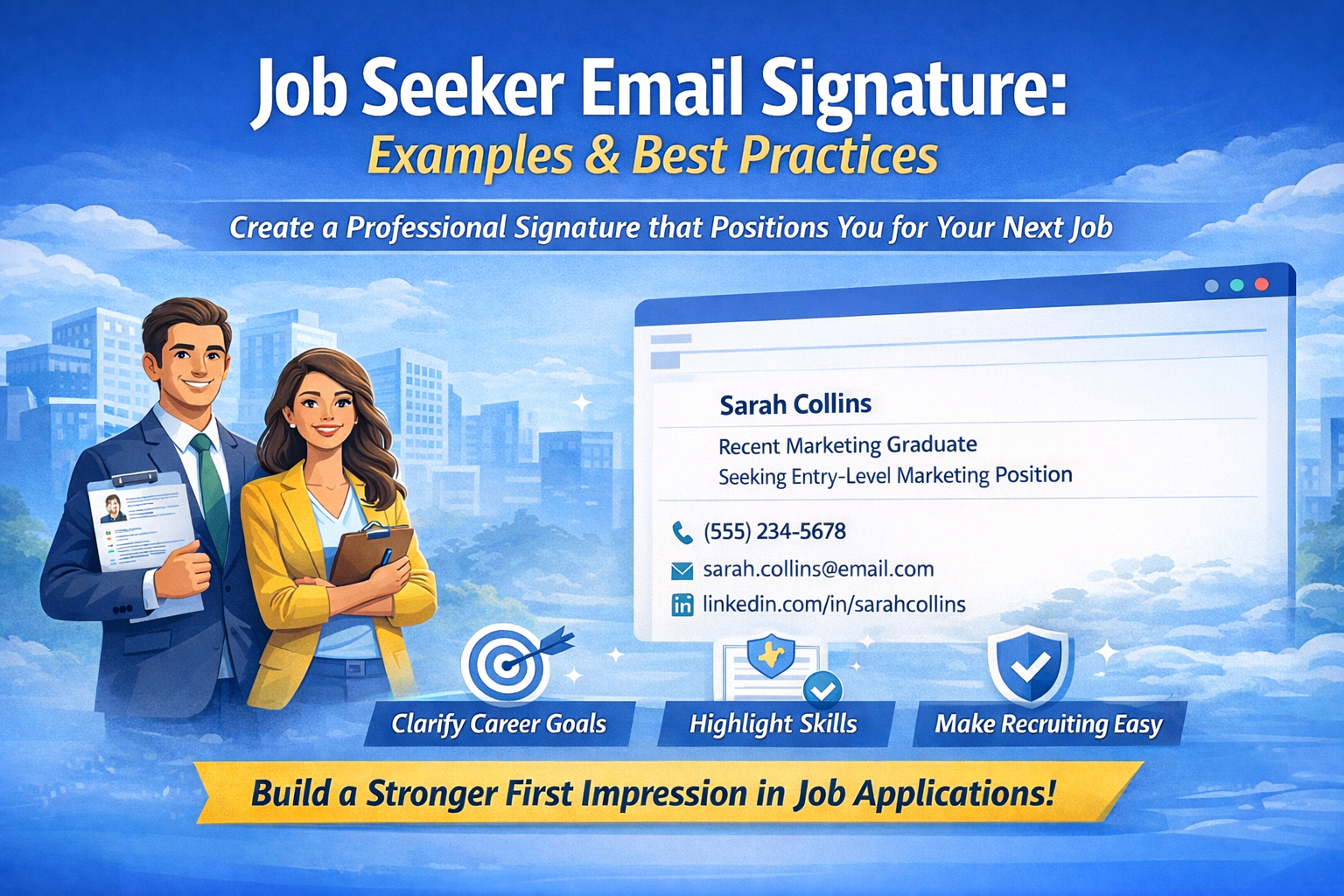
Your job seeker email signature represents you in every application, networking message, and recruiter correspondence. Unlike employed professionals who list current positions, job seekers face a unique challenge: presenting credentials and aspirations without highlighting unemployment.
When recruiters respond to your application and correspondence begins, your contact block creates an ongoing impression throughout the interview process. A well-crafted format demonstrates professionalism, clarifies your target role, and provides essential information—all without sounding desperate or unfocused.
This guide addresses the specific needs of recent graduates entering the workforce, career changers pivoting industries, professionals between positions, and entry-level candidates building initial experience. You’ll learn what to include, see situation-specific examples, and discover how to position yourself effectively during your search.
Create your professional job seeker signature in under 5 minutes.
What Makes an Effective Job Seeker Email Signature
A professional email signature for job seekers serves two critical functions: providing contact methods recruiters need while positioning your professional identity and career direction.
Essential Elements for Job Applications
Every email signature when applying for jobs should contain these strategic components:
Full Name: Use the name appearing on your resume. Consistency across all application materials matters for recruiter tracking.
Professional Identity or Target Role: This replaces the “current position” employed professionals use. Options include:
- “Recent [Field] Graduate” for new graduates
- “Seeking [Specific Position]” for focused searches
- “[Skill] Professional” for those emphasizing expertise
- “Available for [Role Type] Roles” for open positioning
An email signature available for employment clearly signals your readiness while maintaining professional positioning.
Relevant Qualifications: Brief descriptor highlighting key skills, specializations, or credentials. Keep it concise—3-5 words maximum.
Direct Phone Number: One contact number where recruiters can reach you promptly during business hours.
Professional Email Address: firstname.lastname at gmail dot com format. Avoid casual addresses that undermine professional positioning.
Portfolio or LinkedIn Profile: Choose the most relevant link for your field—but only one. Developers benefit from GitHub showcasing actual code. Designers need portfolio sites displaying visual work. Many professionals find LinkedIn valuable for complete work history and recommendations. However, including multiple platforms (personal blog, portfolio, LinkedIn, X, and GitHub) dilutes focus and appears unprofessional to recruiters. Select whichever single link best demonstrates your qualifications for target roles.
Photos or Headshots
While professional headshots strengthen LinkedIn profiles and personal websites, they actively harm email signature when applying for jobs effectiveness. Including photos creates several technical and perception problems.
Image files significantly increase email size, which triggers spam filters that automatically route messages to junk folders. Additionally, email clients often block external images by default for security reasons. Recipients see empty boxes with “Download images” prompts instead of your photo—creating an unprofessional appearance despite your investment in quality headshots.
Finally, photos in email correspondence appear unnecessary and unusual in professional contexts outside industries like modeling or acting where appearance directly relates to job requirements.
Mobile Optimization
Recruiters review applications on smartphones between meetings, during commutes, and outside office hours. Your email signature for job applications must remain readable on small screens without horizontal scrolling.
Text-focused HTML formatting automatically adapts to narrow mobile viewports. Contact information stays visible, links remain clickable, and professional presentation persists regardless of viewing device.
Keep It Simple for ATS
Applicant Tracking Systems parse email content as part of candidate evaluation. Complex HTML formatting, embedded images, or unusual characters can cause parsing failures that remove your application from consideration.
Text-focused HTML with standard spacing passes through ATS screening reliably. Save visual creativity for your portfolio—keep contact blocks technically simple for maximum compatibility.
Job Seeker Email Signature Examples
These job seeker email signature examples demonstrate proper formatting for various career situations. Whether you’re a recent graduate entering the workforce or an experienced professional in transition, these templates help position you effectively for employment.
Example 1: Recent Graduate Email Signature
Jennifer Davis
Recent Marketing Graduate
Seeking Entry-Level Marketing Position
(555) 234-5678
jennifer.davis@email.com
linkedin.com/in/jenniferdavis
Why it works: This recent graduate email signature clearly states educational background and target role without sounding desperate. Including LinkedIn in your email signature job search materials allows recruiters to verify credentials, review coursework, see projects, and check recommendations. “Seeking” language shows clear direction rather than vague availability.
Best for: Recent college graduates, those entering the workforce within 1-2 years of graduation, new professionals.
Example 2: Entry Level Email Signature
Michael Rodriguez
Entry-Level Software Developer
Python, JavaScript, React
(555) 789-2341
michael.rodriguez@email.com
github.com/mrodriguez
Why it works: This entry level email signature emphasizes technical skills immediately—what recruiters care about most for developer roles. GitHub portfolio is critical for showcasing actual code samples. No “seeking” language avoids appearing desperate; skills speak for themselves.
Best for: Entry-level tech professionals, bootcamp graduates, self-taught developers, early career programmers.
Example 3: Career Changer
Sarah Chen
Aspiring Data Analyst
Former Financial Analyst
(555) 432-8765
sarah.chen@email.com
linkedin.com/in/sarahchen
Why it works: This career change email signature uses “Aspiring” to show clear direction and ambition for a new field. “Former” acknowledges transition as strength rather than weakness—financial background provides valuable analytical experience transferable to data analysis. LinkedIn demonstrates these transferable skills through detailed work history.
Best for: Career changers, professionals transitioning between industries, those leveraging existing experience into new roles.
Example 4: Senior Professional in Job Search
David Morrison
Senior Operations Manager
15+ Years Manufacturing Excellence
(555) 876-5432
david.morrison@email.com
linkedin.com/in/davidmorrison
Why it works: This professional email signature job search leads with experience level rather than unemployment status. Emphasizes proven expertise instead of current job search. Years of experience and specialization create authority. LinkedIn is critical for showcasing extensive career history and leadership recommendations.
Best for: Senior professionals between positions, executives in transition, experienced managers seeking new opportunities.
Example 5: Between Jobs Professional Positioning
Robert Martinez
Marketing Professional
Available for Marketing Management Roles
(555) 345-6789
robert.martinez@email.com
linkedin.com/in/robertmartinez
Why it works: This email signature between jobs uses “Available” which sounds positive and strategic versus “unemployed” or “desperately seeking work.” Emphasizes professional identity and specific expertise areas. Maintains confidence and authority despite being email signatures for unemployed professionals.
Best for: Professionals between positions, those taking intentional career breaks, laid-off professionals maintaining momentum.
Example 6: Creative Professional with Portfolio
Amanda Foster
UX/UI Designer
Creating Intuitive Digital Experiences
(555) 567-8901
amanda.foster@email.com
portfolio.amandafoster.com
Why it works: This portfolio email signature prioritizes work samples over LinkedIn—critical for creative roles where visual work speaks louder than text credentials. The value proposition in the title line (“Creating Intuitive Digital Experiences”) shows impact rather than just job title. No desperate job-seeking language; confidence in work quality.
Best for: Designers, writers, developers, creative professionals, freelancers transitioning to full-time employment.
Example 7: Industry Switcher
James Park
Aspiring Product Manager
Former Software Engineer
(555) 234-9876
james.park@email.com
linkedin.com/in/jamespark
Why it works: This career transition email signature shows clear direction with “Aspiring” while acknowledging technical background as competitive advantage for PM role. Engineering experience provides valuable perspective for product management. Simple, focused positioning avoids confusing recruiters about career goals.
Best for: Professionals leveraging current skills into adjacent roles, lateral career moves within the same company or industry.
Example 8: Compact Recent Graduate
Lisa Thompson, B.S.
Recent Finance Graduate, Seeking Financial Analyst Role
(555) 654-3210
lisa.thompson@email.com
linkedin.com/in/lisathompson
Why it works: This email signature with bachelor degree shows educational credential (B.S.) immediately after name—important for recent graduates competing on academic qualifications. Combines degree with target role for clarity. Clean format maintains professionalism while highlighting fresh credentials.
Best for: Recent bachelor’s graduates, entry-level job seekers, those emphasizing educational qualifications.
Generate these formats instantly with an email signature generator for job seekers—properly formatted and ready in 5 minutes. Following email signature job seeker best practices ensures your contact information strengthens rather than undermines your candidacy.
Email Signature Generator for Job Seekers
An email signature generator for job seekers eliminates formatting complexity while creating a professional signature job hunting requires. Focus energy on networking and applications rather than troubleshooting rendering issues across email platforms.
Why Use a Generator for Job Applications
Manual signature creation creates unnecessary problems during time-sensitive job searches:
Formatting consistency: Professional appearance in every email to recruiters, networking messages, and application follow-ups builds credibility across all touchpoints.
Easy updates: Job searches evolve as you refine target roles, gain new certifications, or shift industry focus. Generators allow instant updates without reformatting entire contact blocks.
Mobile-optimized output: Automatically adapts to recruiters’ smartphone screens where most initial application reviews happen.
No technical requirements: Generate professional results without HTML knowledge or coding skills.
Time savings: Five minutes versus hours of manual formatting and cross-platform testing. Invest saved time in application quality and networking.
How to Generate Your Job Seeker Signature
Creating your professional email signature for job seekers through a generator follows three straightforward steps:
Input Professional Information: Most generators have standard field labels like “Job Title” or “Company.” Don’t worry—simply enter your information following the formats shown in examples above. The preview will show your positioning displays correctly even though field labels don’t perfectly match job seeker situations.
Select Format and Options: Choose vertical or inline layout based on preference. Both maintain text-only structure for ATS compatibility and reliable rendering.
Generate Clean Code: Receive optimized HTML with proper spacing and zero spam-triggering elements. Code follows email signature for job applications best practices automatically.
Installing Across Platforms
After generation, deploy across all communication systems:
For Gmail: Reference this Gmail signature setup guide for complete installation instructions covering web and mobile.
For Outlook: Follow the Outlook signature setup guide addressing desktop, web, and Office 365 configurations.
Installation takes minutes. Updates happen instantly when your search focus shifts or new credentials emerge.
Quick Summary
Effective job seeker email signature design balances professional presentation with strategic positioning. Proper formatting demonstrates capability while clearly indicating career direction.
Essential elements: Name, professional identity or target role, relevant qualifications, phone, professional email address, portfolio or LinkedIn link.
Critical principles:
- Keep formatting simple for ATS compatibility
- Choose one primary link (portfolio or LinkedIn, not multiple platforms)
- Use professional email address format (firstname.lastname at gmail dot com)
- Avoid visual elements like photos that trigger spam filters
Implementation: Email signature generator for job seekers creates professional, ATS-friendly contact blocks in 5 minutes. Most generators use standard fields—enter your information following example formats, and preview confirms correct display. Focus energy on applications and networking rather than formatting troubleshooting.
Impact: Consistent formatting across all correspondence builds credibility and demonstrates attention to detail—qualities employers value.
Modern recent graduate email signature and entry level email signature design means clean text formatting with strategic positioning. Every candidate should prioritize clarity, professionalism, and ATS compatibility above visual complexity.
Create your professional job seeker signature in under 5 minutes.